

Invite Other Users to Join
Learn how to bring your team, clients, and collaborators to Melp.
3 min read
Melp makes it simple to connect with anyone—colleagues, freelancers, clients, or community members.
Invite from Dashboard
The quickest way to invite someone directly.
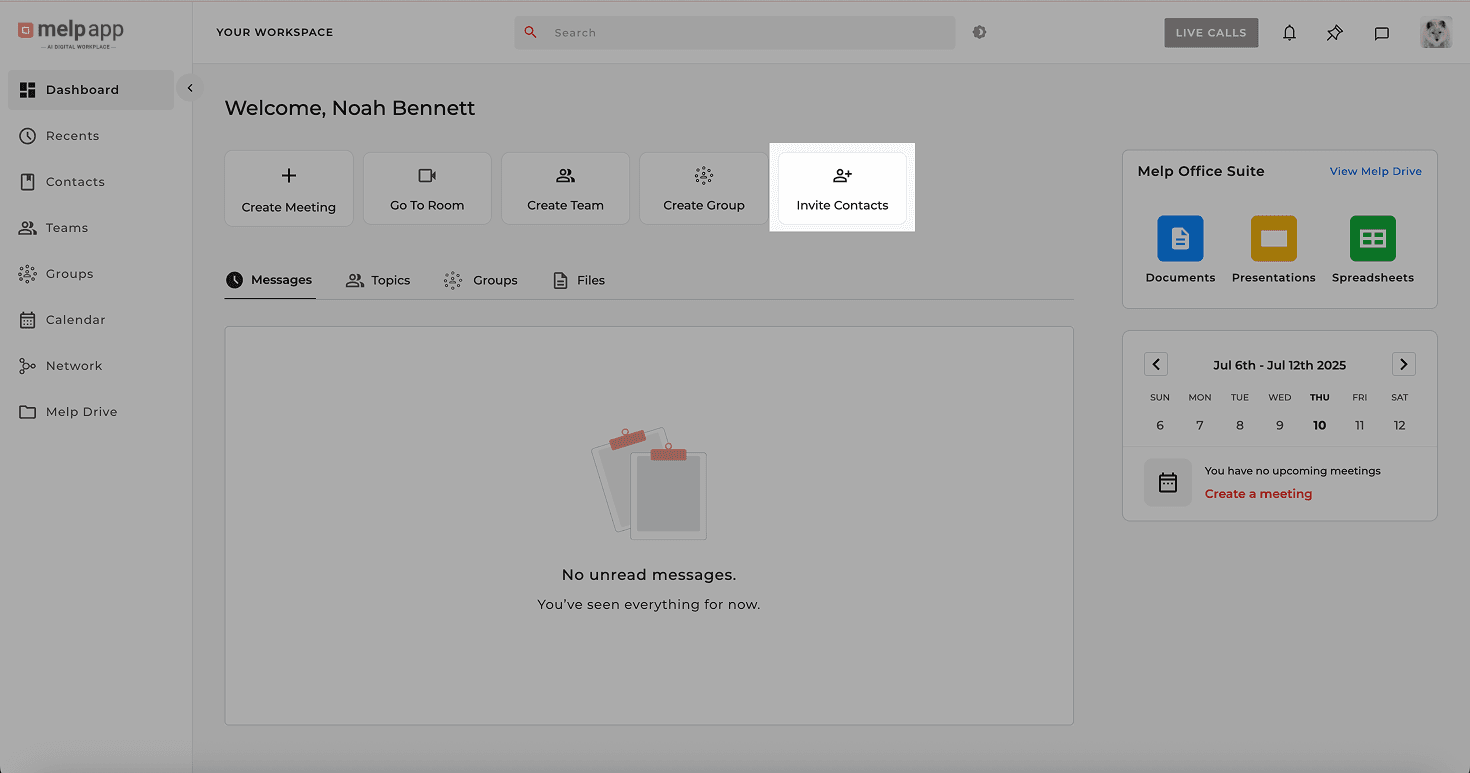
- 1Go to Dashboard → Invite Contacts
- 2Enter the person's email address and click Invite
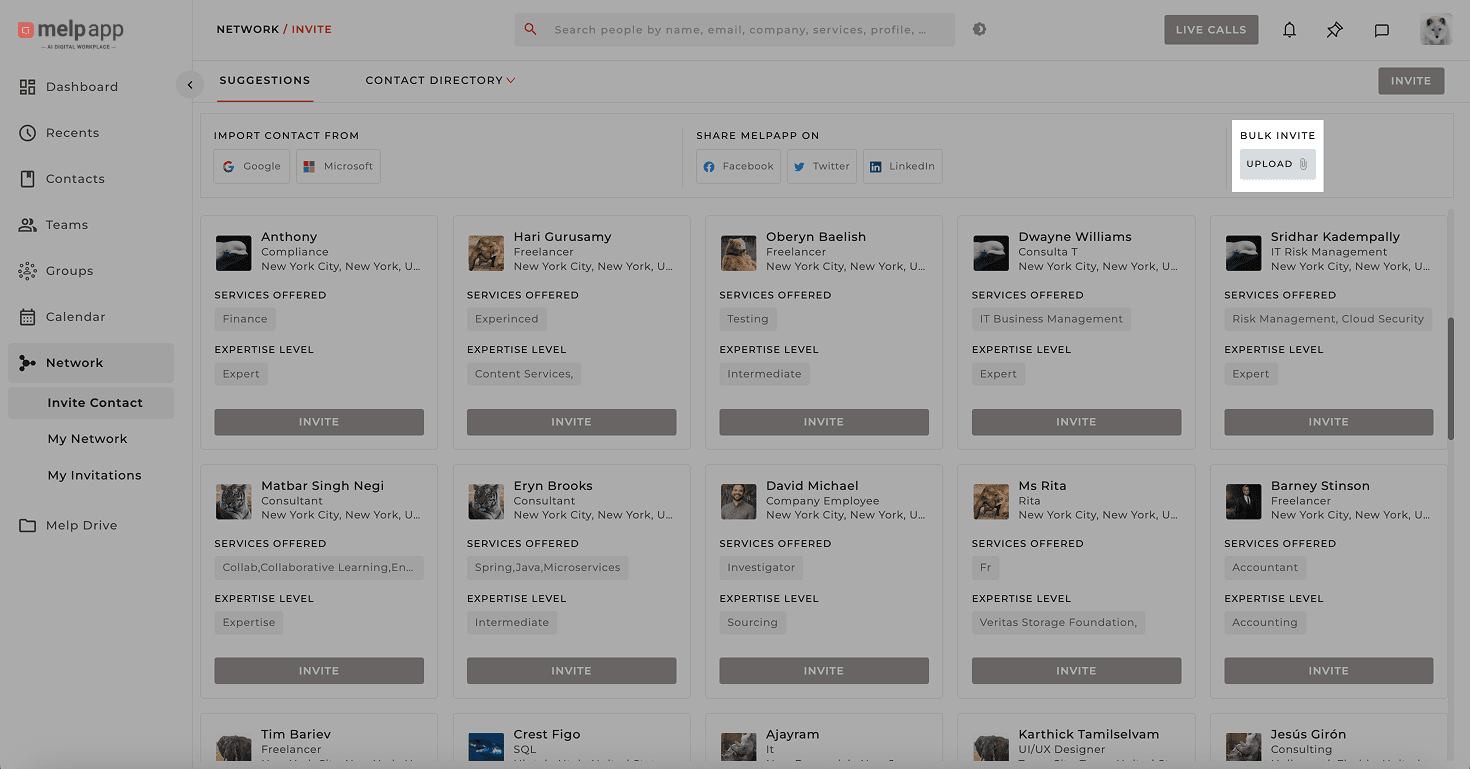
Bulk Invite via CSV
Want to invite an entire list? Upload a CSV file with the required headers: Full Name, Email ID, Phone Number, and Country.
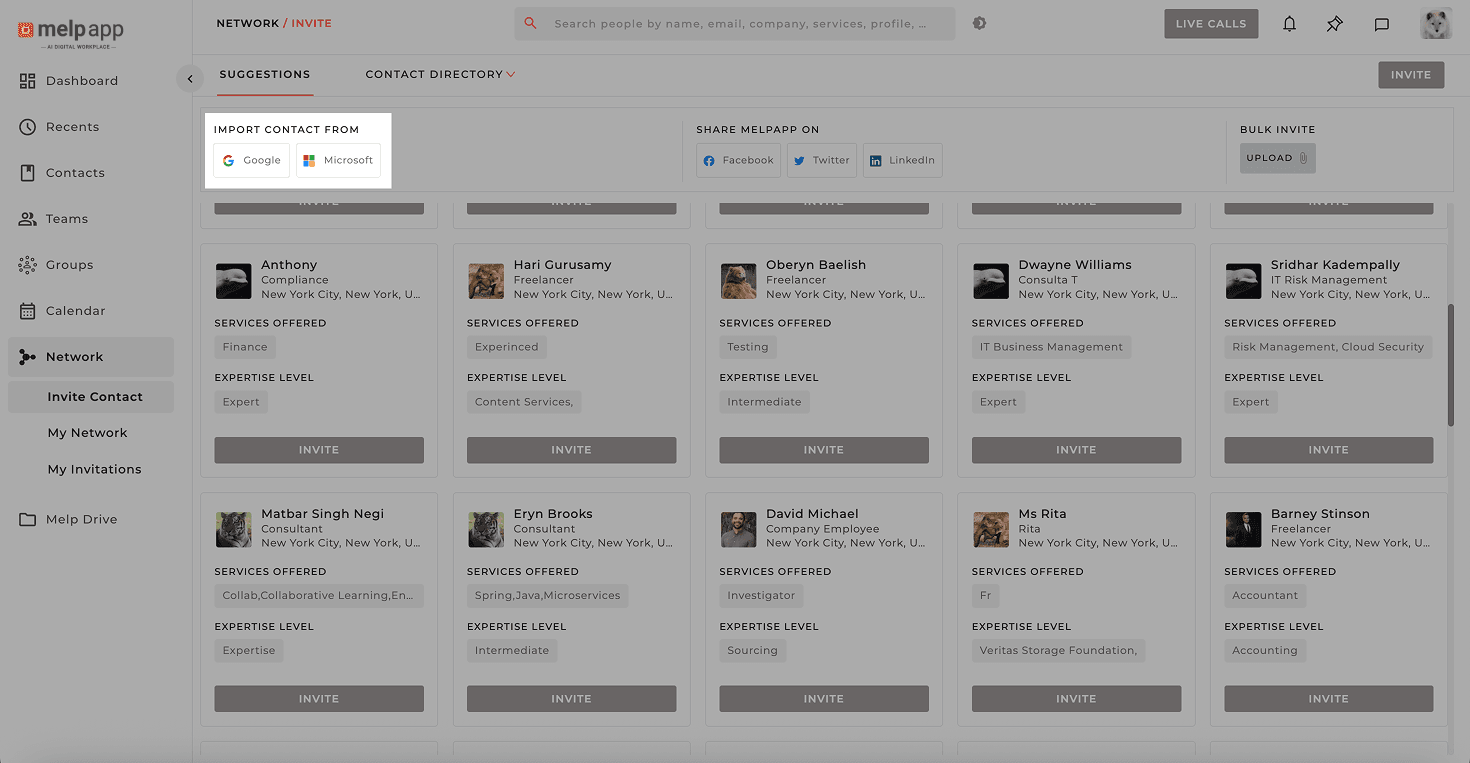
Import from Google or Microsoft
Pull in contacts from your Google or Microsoft accounts and invite them directly.
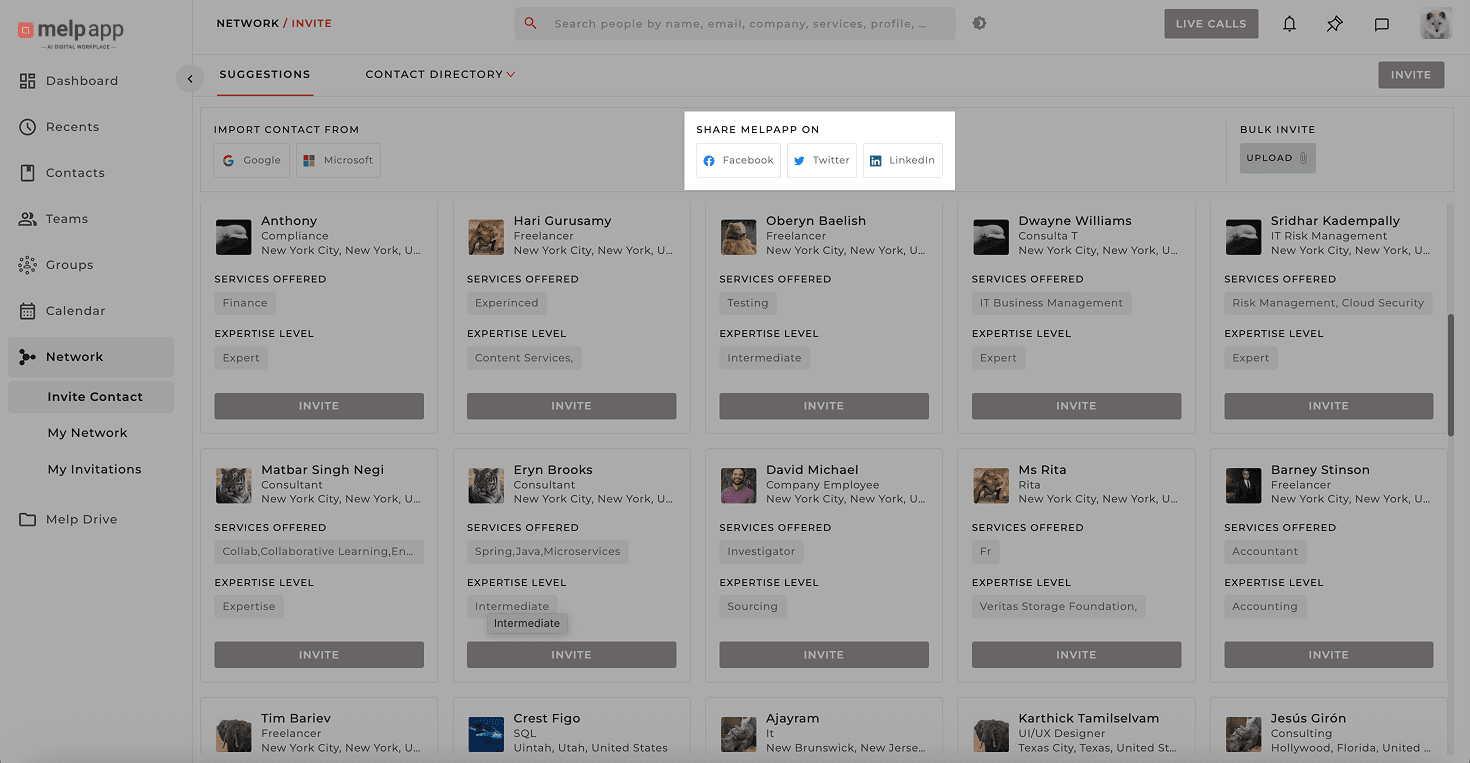
Share on Social Media
Spread the word! Go to Network → Share Melp and post your invite link on Facebook, LinkedIn, or X.
Tip
If invitees don't see the invite, ask them to check their spam folder or visit melp.us directly.
Updated 21 Jan 2026
Did this page help you?