

Organize Team Folders
Structure your team files.
2 min read
Keeping your team files organized is easy with Melp Drive.
Accessing Shared Files
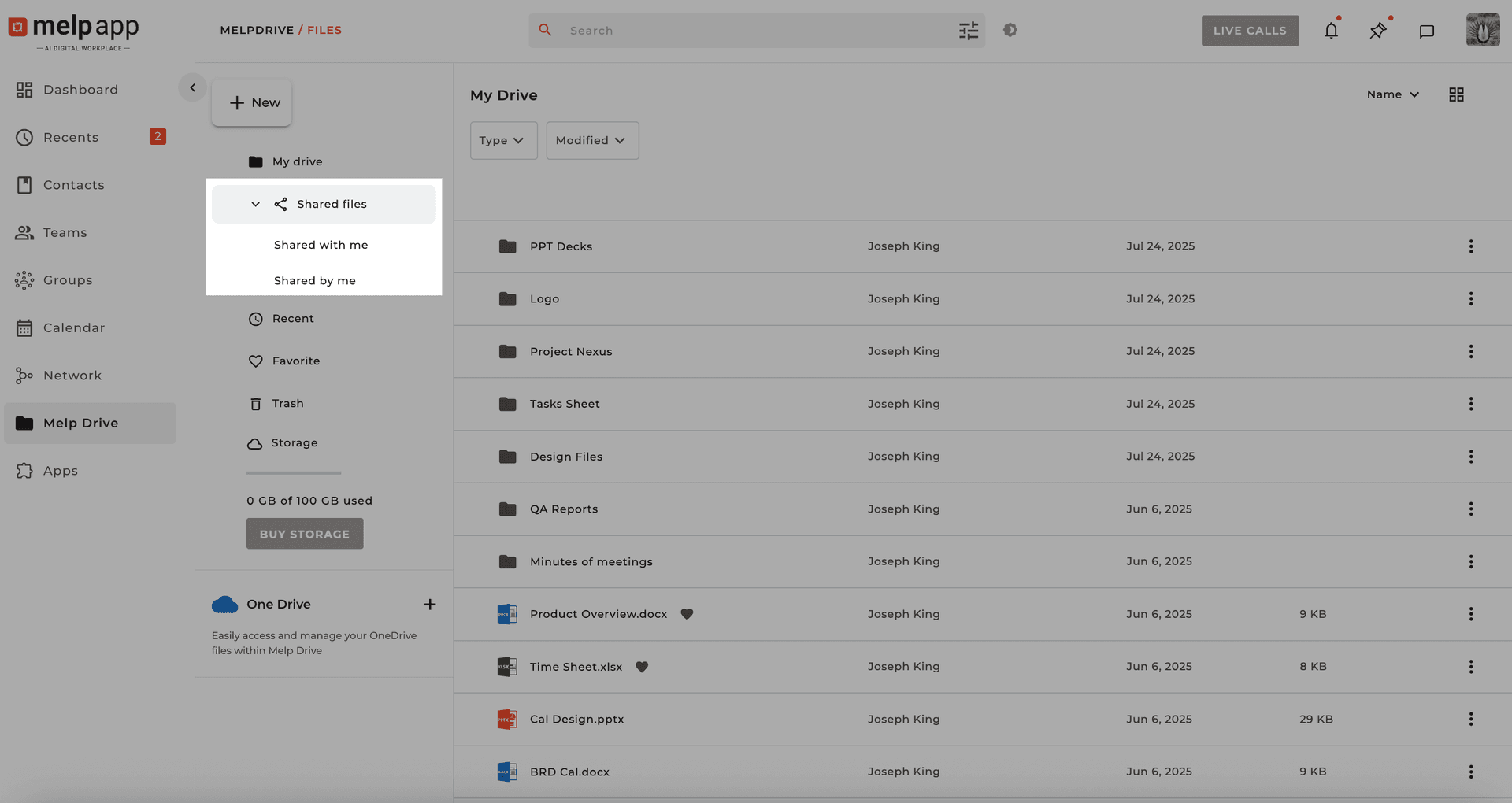
Go to Melp Drive and click Shared Files in the sidebar:
Shared with Me
Items others have shared with you.
Shared by Me
Items you've shared with others.
Sorting Options
1
Group — Organizes files by team or workgroup.
2
Topic — Organizes files by discussion threads or projects.
File Actions
Use More Options on any file to:
Preview filesDownload filesView details
Select multiple files using checkboxes for bulk actions.
Pro Tip
Regularly review shared folders and sort by Group or Topic to keep your team's workspace clutter-free.
Updated 21 Jan 2026
Did this page help you?