

Upload or Create Files & Folders
Add content to your drive.
2 min read
With Melp Drive, organizing your work is effortless.
How to Upload or Create
1
Open Melp Drive
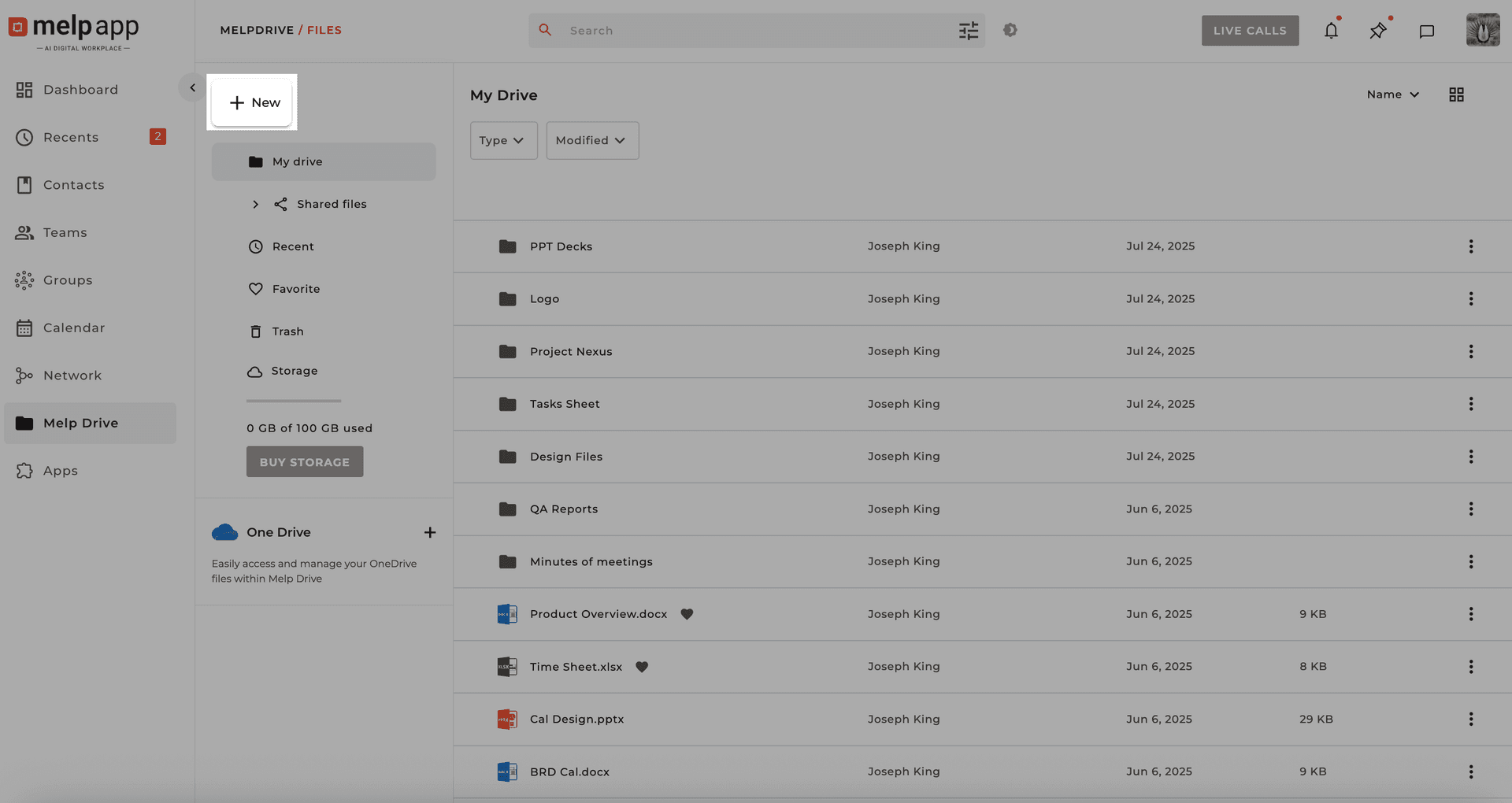
Open Melp Drive from the main menu and click the New button in the top-left corner.
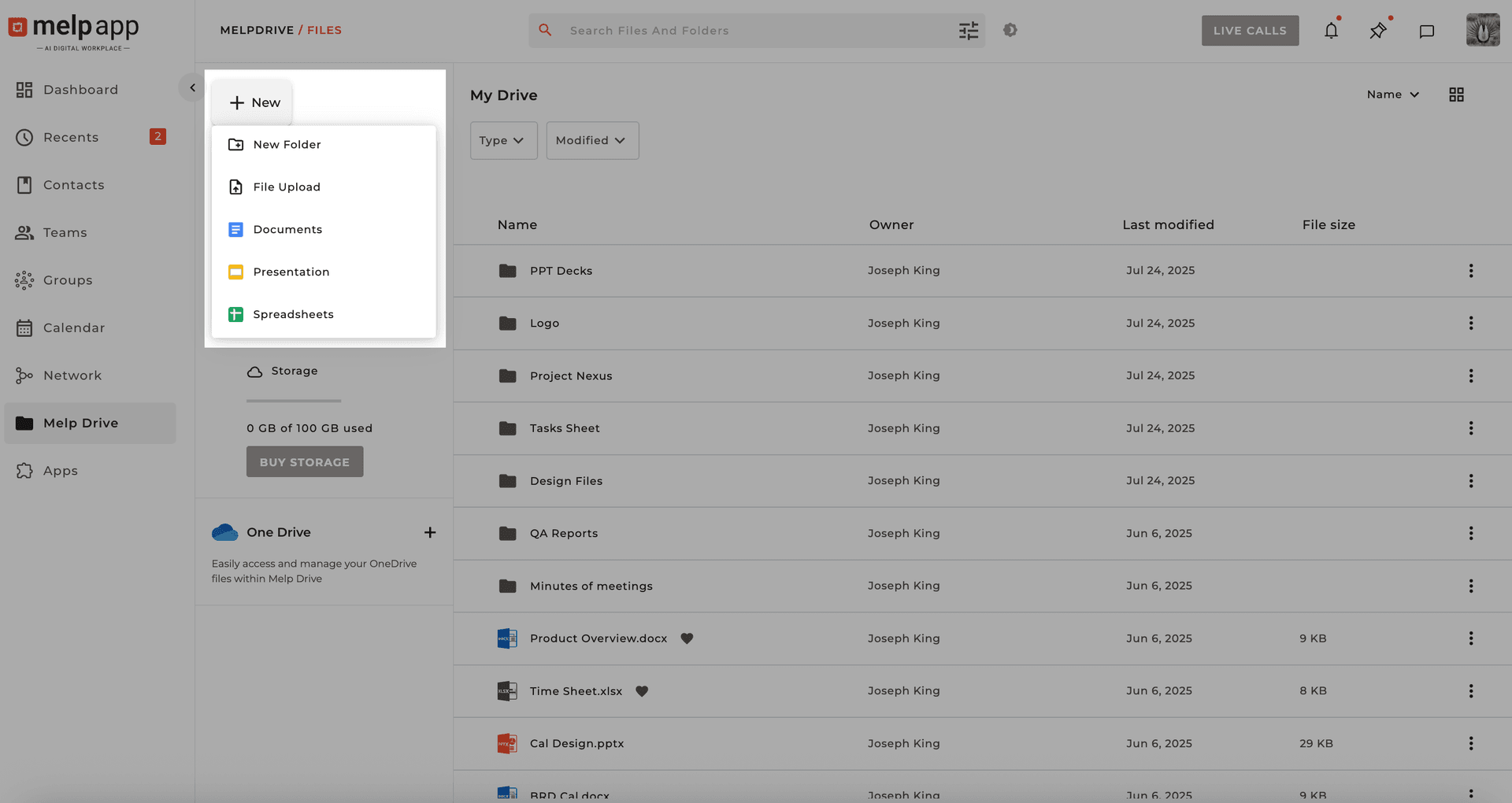
Creation Options
Upload a File
Choose any document, image, video, or file type.
New Document
Open a blank doc in the editor.
Spreadsheet
Manage data, formulas, and charts.
Presentation
Craft professional slide decks.
New Folder
Name and organize files.
Pro Tip
Use folders to group related files and keep projects organized—it makes collaboration smoother and faster.
Updated 21 Jan 2026
Did this page help you?