

Build Your Profile
Showcase your role, organization, and expertise.
Your profile is more than just your name—it's how colleagues and connections recognize you on Melp. By keeping it updated, you showcase your role, organization, and even share your resume.
Update Role and Organization Details
Make sure your professional details reflect who you are today. Updating your role, department, and company keeps your profile accurate and helps teammates quickly understand what you do—making collaboration and recognition easier across chats, meetings, and projects.
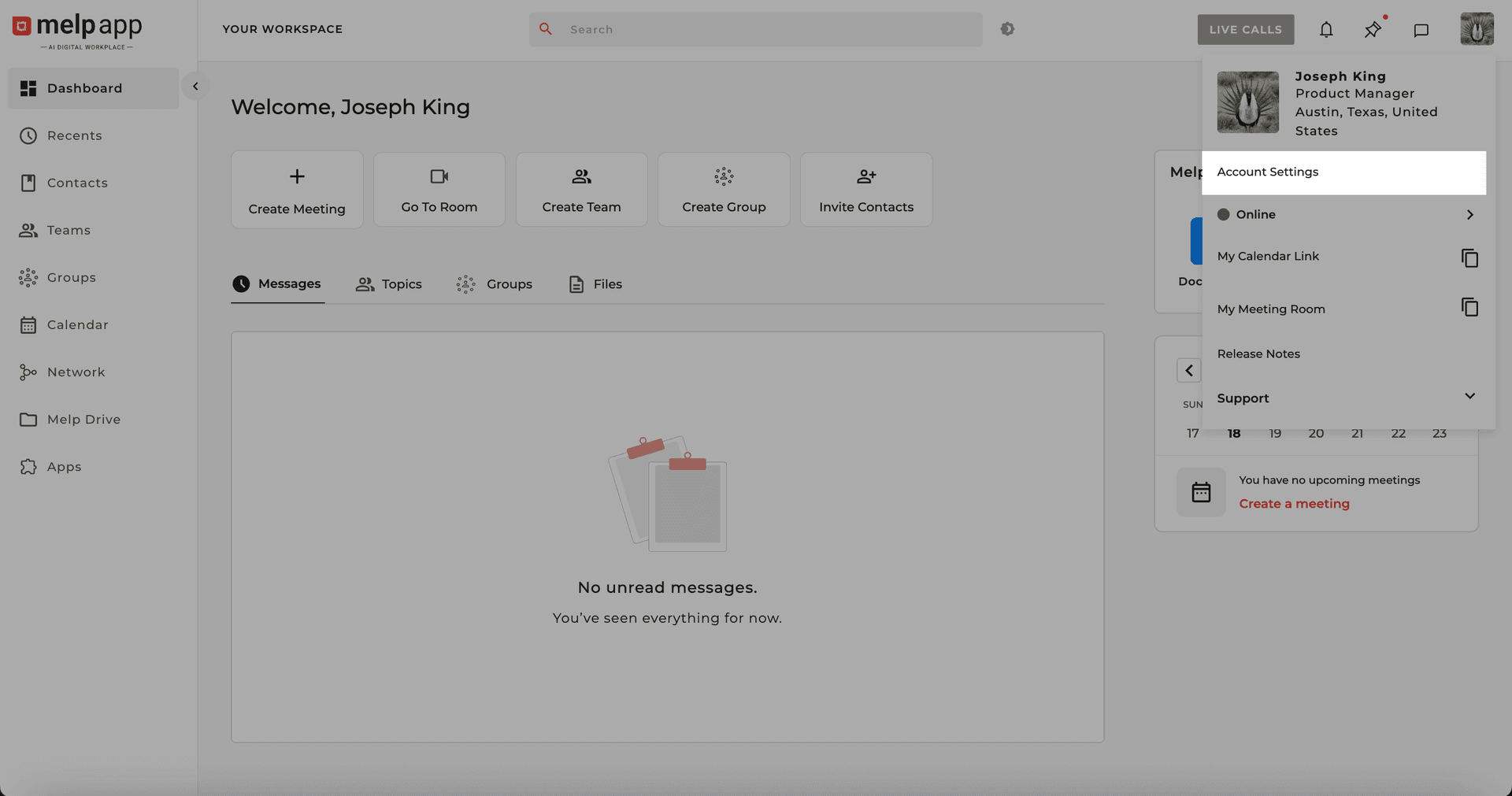
Go to Account Settings
Navigate to your Account Settings from the menu.
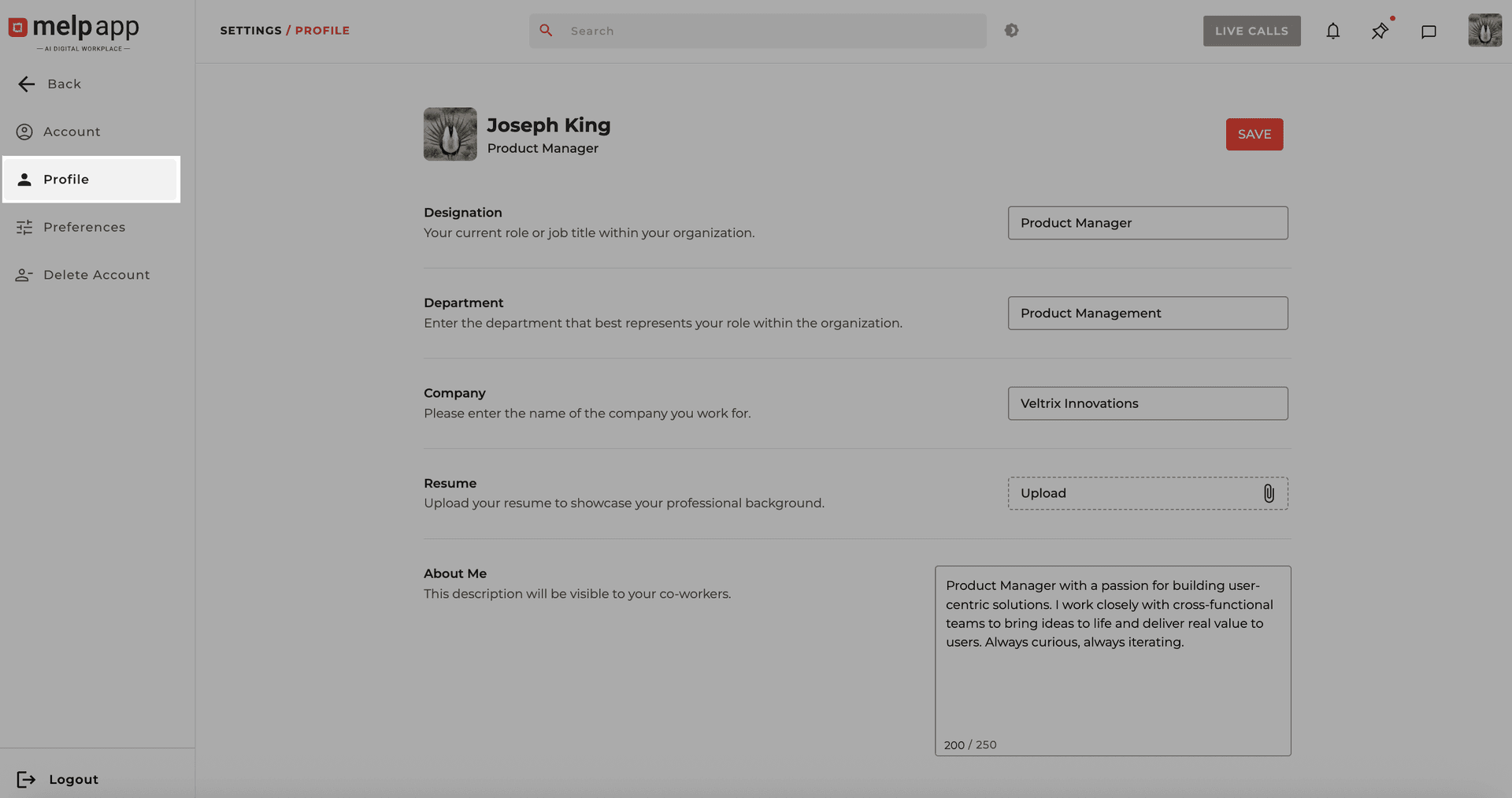
Open Profile Tab
Click on the Profile tab.
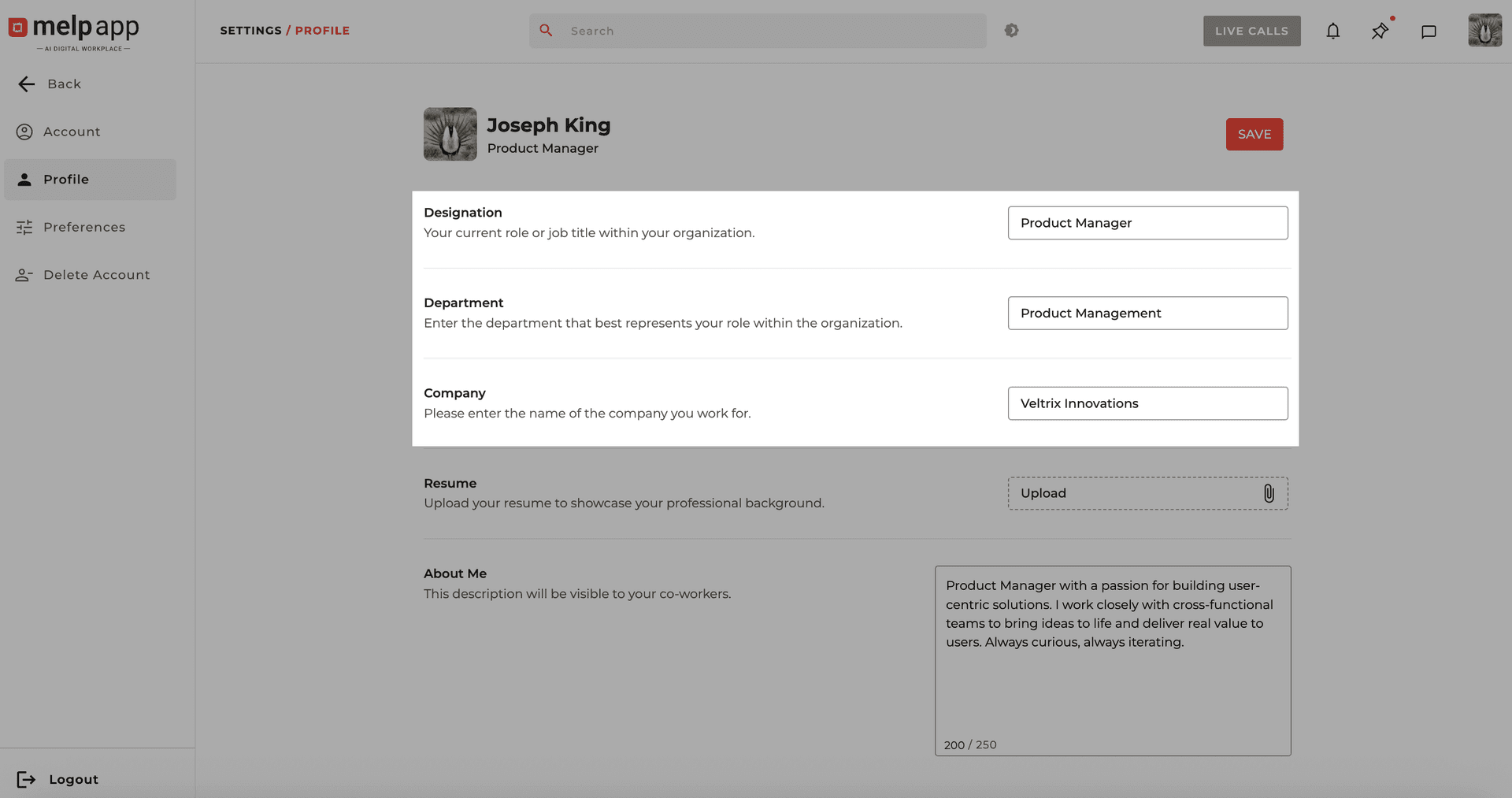
Edit Your Details
Locate your current Designation, Department, and Company, then click directly on each field to edit.
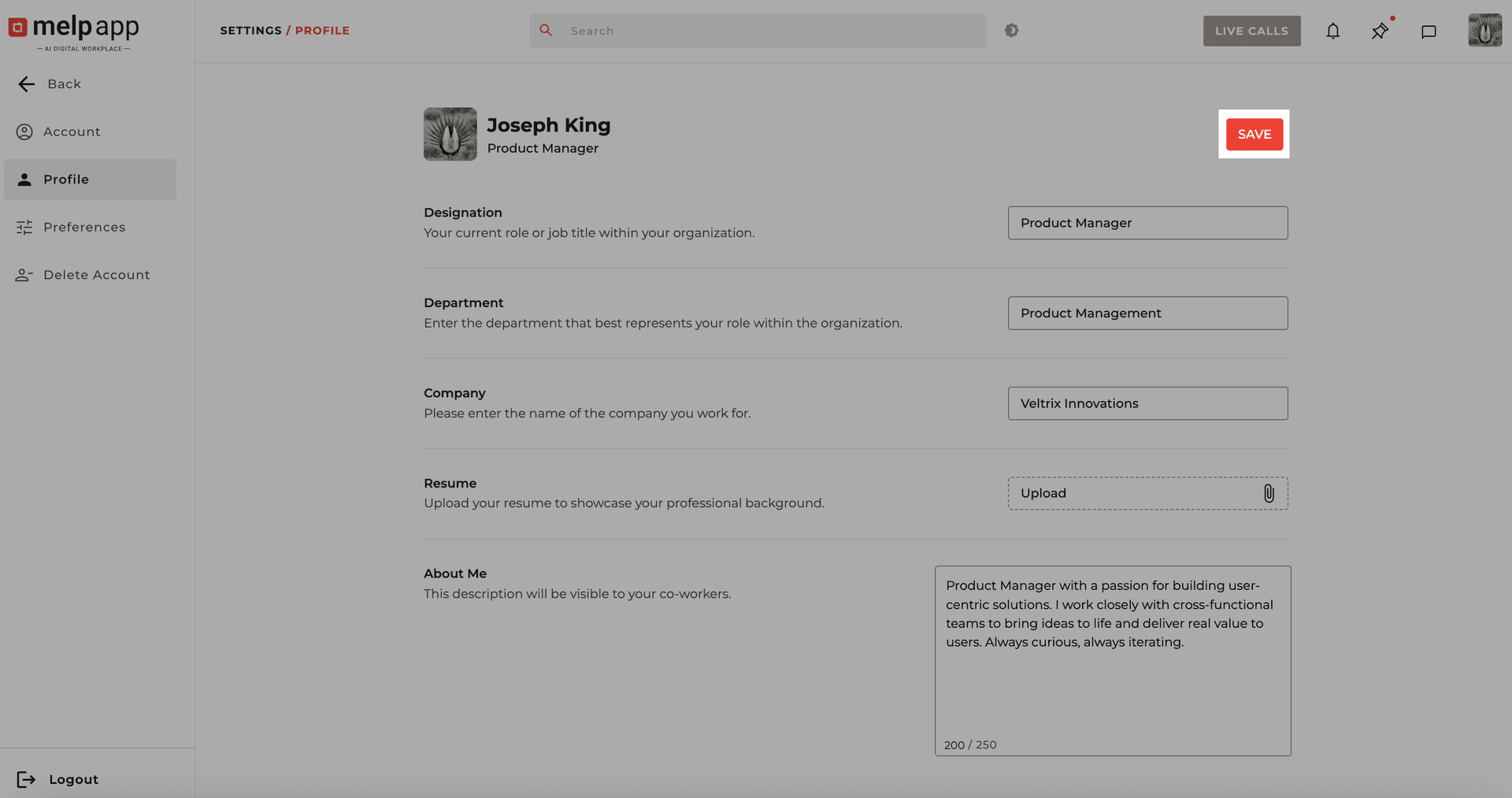
Save Changes
After updating the details, click Save to confirm your changes.
Upload Your Resume
Showcase your skills and experience by adding your resume. This makes it easier for colleagues to know your background and expertise at a glance.
Go to Account Settings
Navigate to your Account Settings from the menu.
Open Profile Tab
Click on the Profile tab.
Upload Resume
In the Profile tab, scroll to the Resume section and click Upload, then select a file from your device.
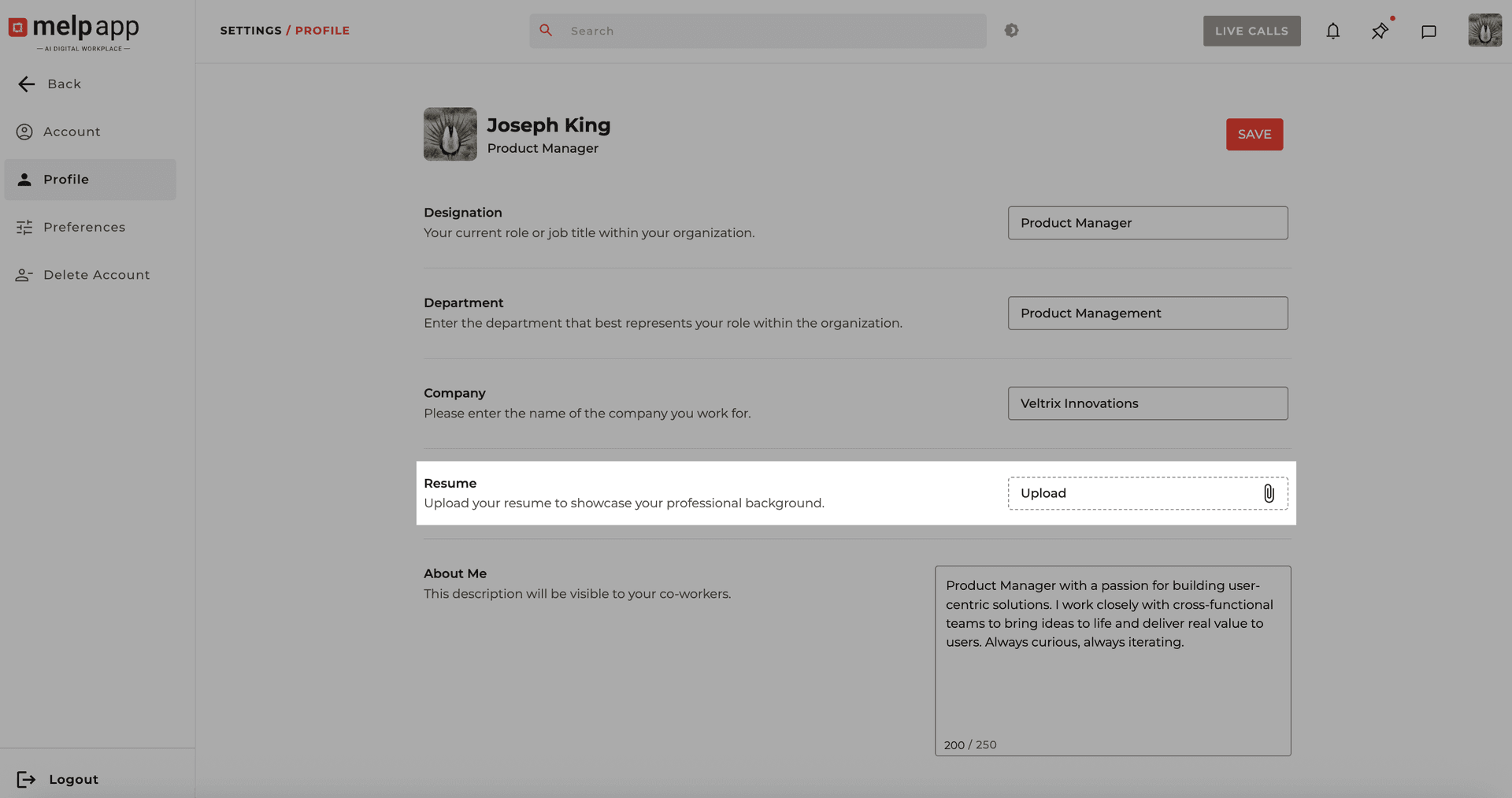
Save Resume
Once the file is attached, click Save to confirm.
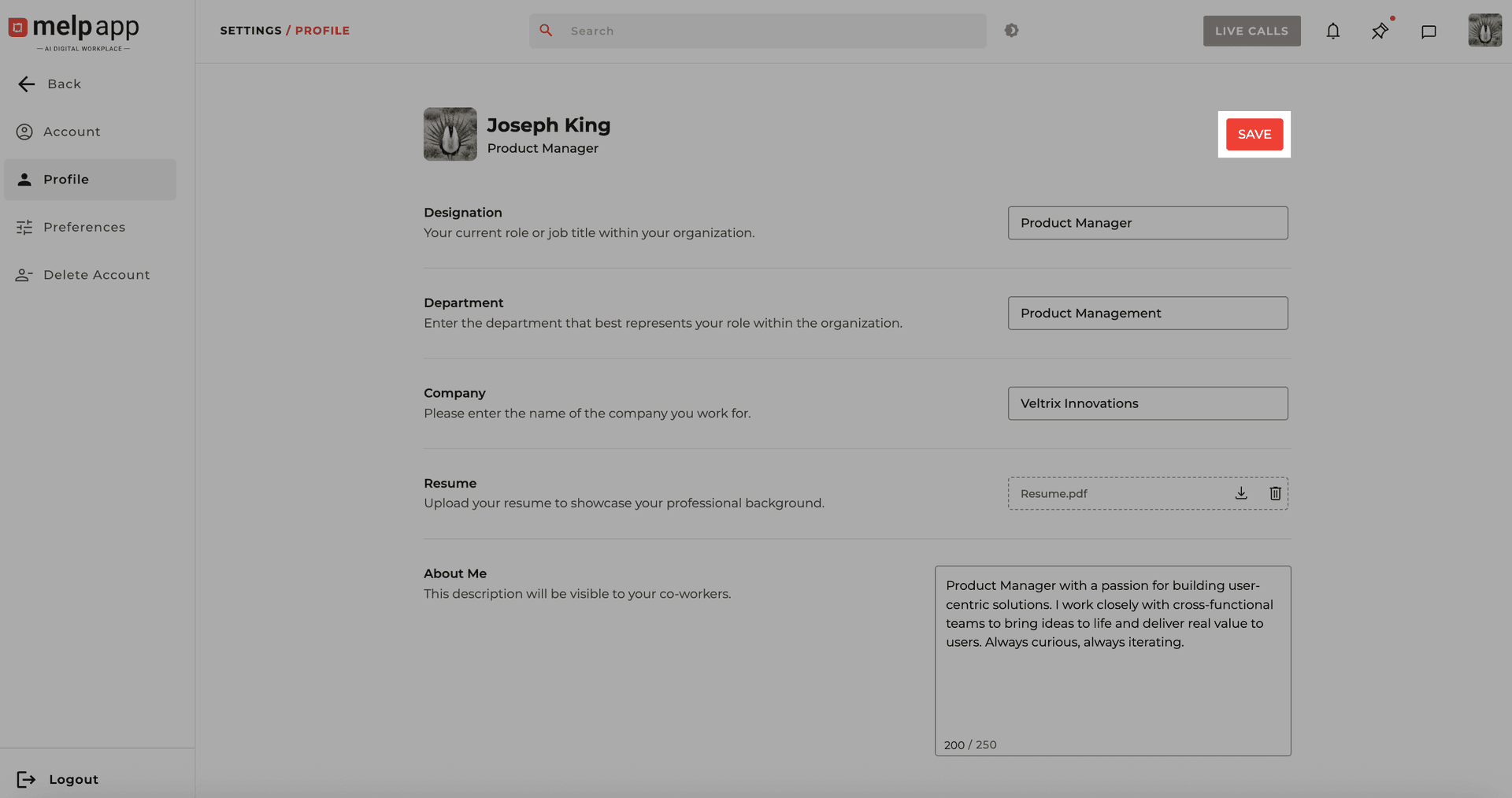
Your resume is now stored in Melp and visible to others as part of your profile.
Edit "About Me"
Tell your story in your own words. A short bio helps teammates connect with you beyond your role—whether it's about your work style, passions, or goals.
Go to Account Settings
Navigate to your Account Settings from the menu.
Open Profile Tab
Click on the Profile tab.
Write Your Bio
Locate the About Me section, click inside the text field and write a short bio. A live character counter will guide you so you stay within the allowed limit.
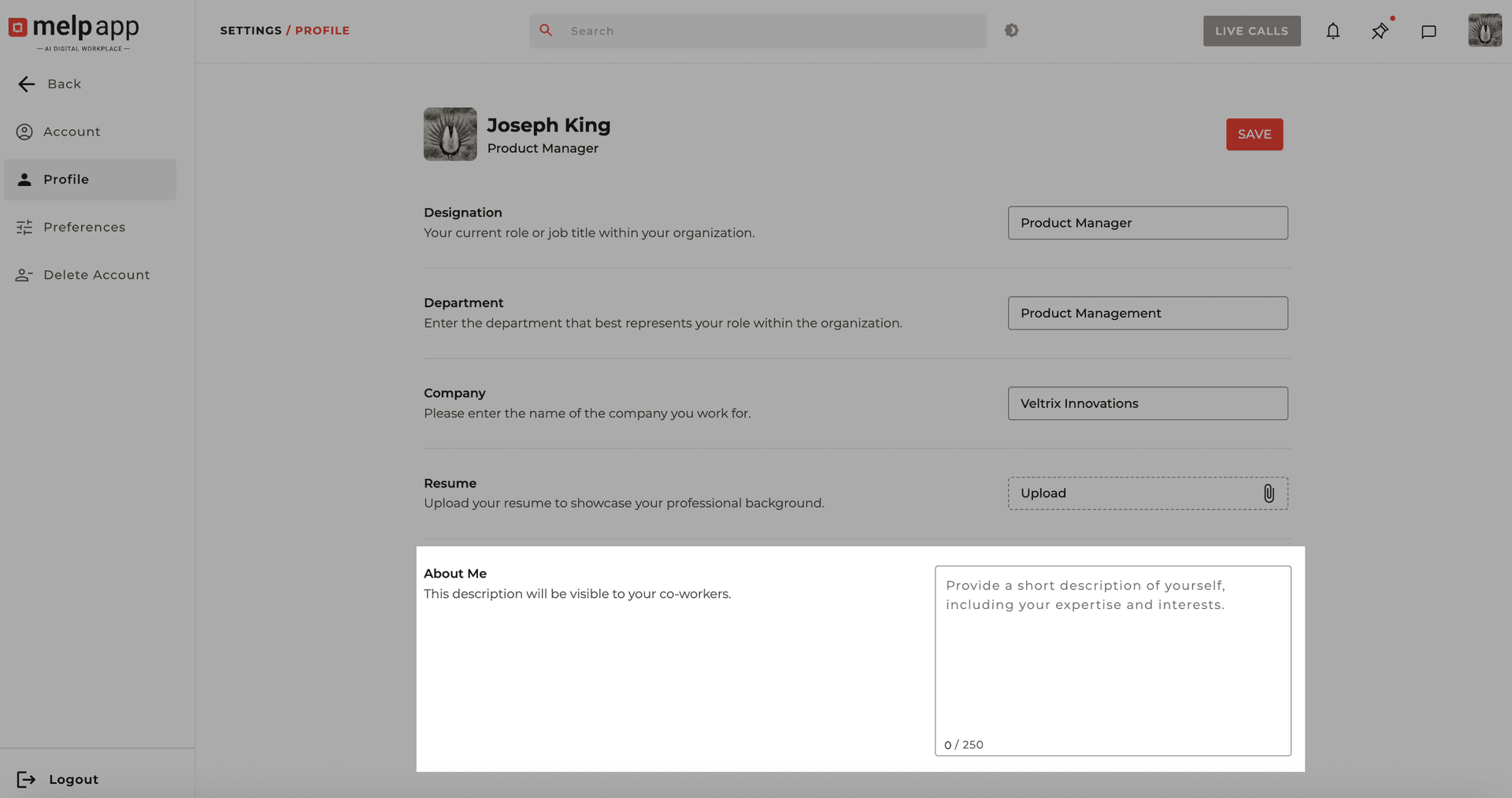
Save Your Profile
Click Save to update your profile.
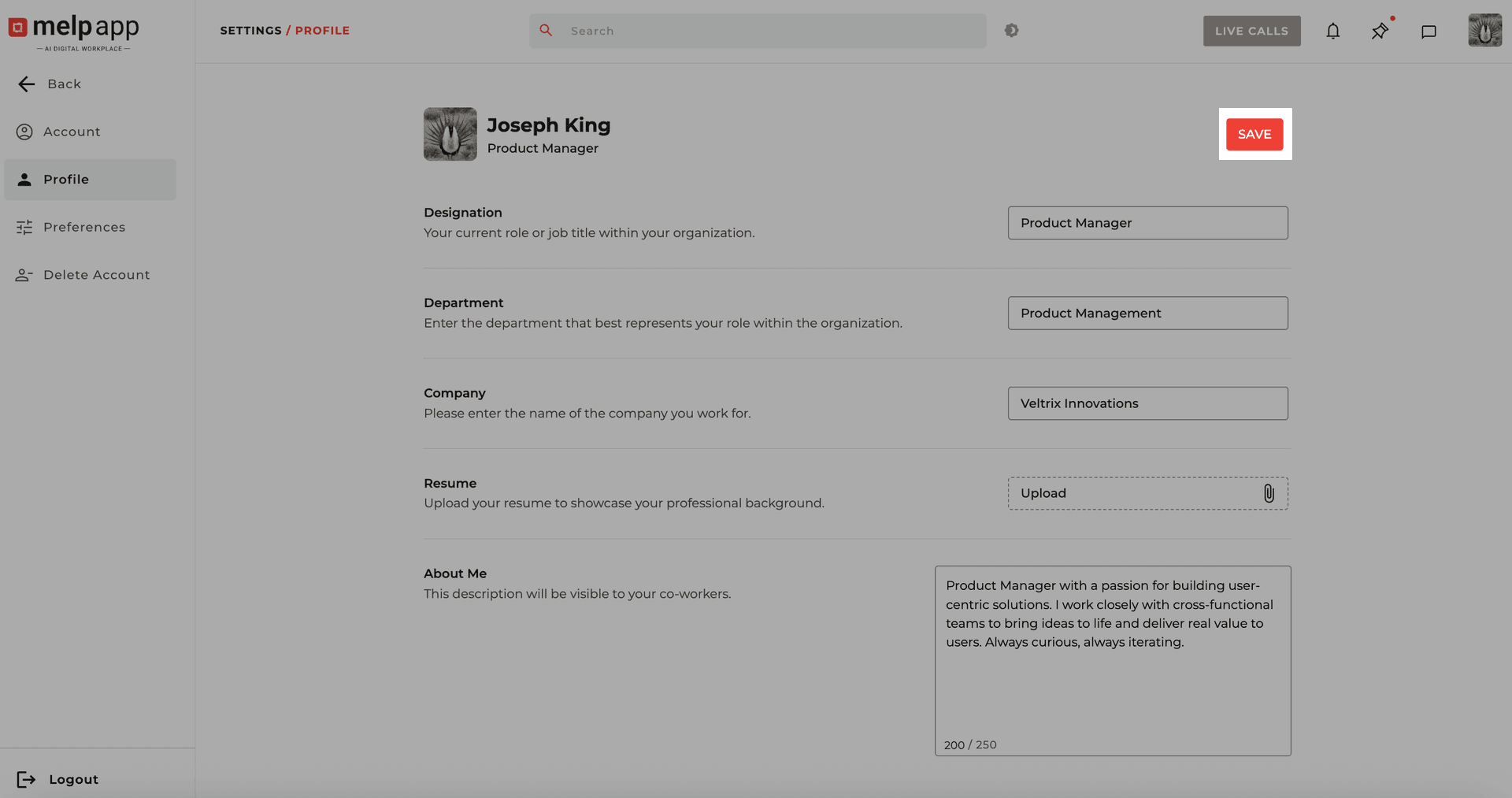
This section helps you share more about yourself—your background, interests, or what you do—making it easier for teammates to know you better.