

How to Create an Event
Set up bookable event types.
Creating an event in MelpApp is quick, simple, and totally customizable.
Event Types
One-on-One
Private meetings with a single attendee.
Team Event
Collaborative sessions with multiple participants.
Workshop
Interactive training or learning sessions.
Steps to Create an Event
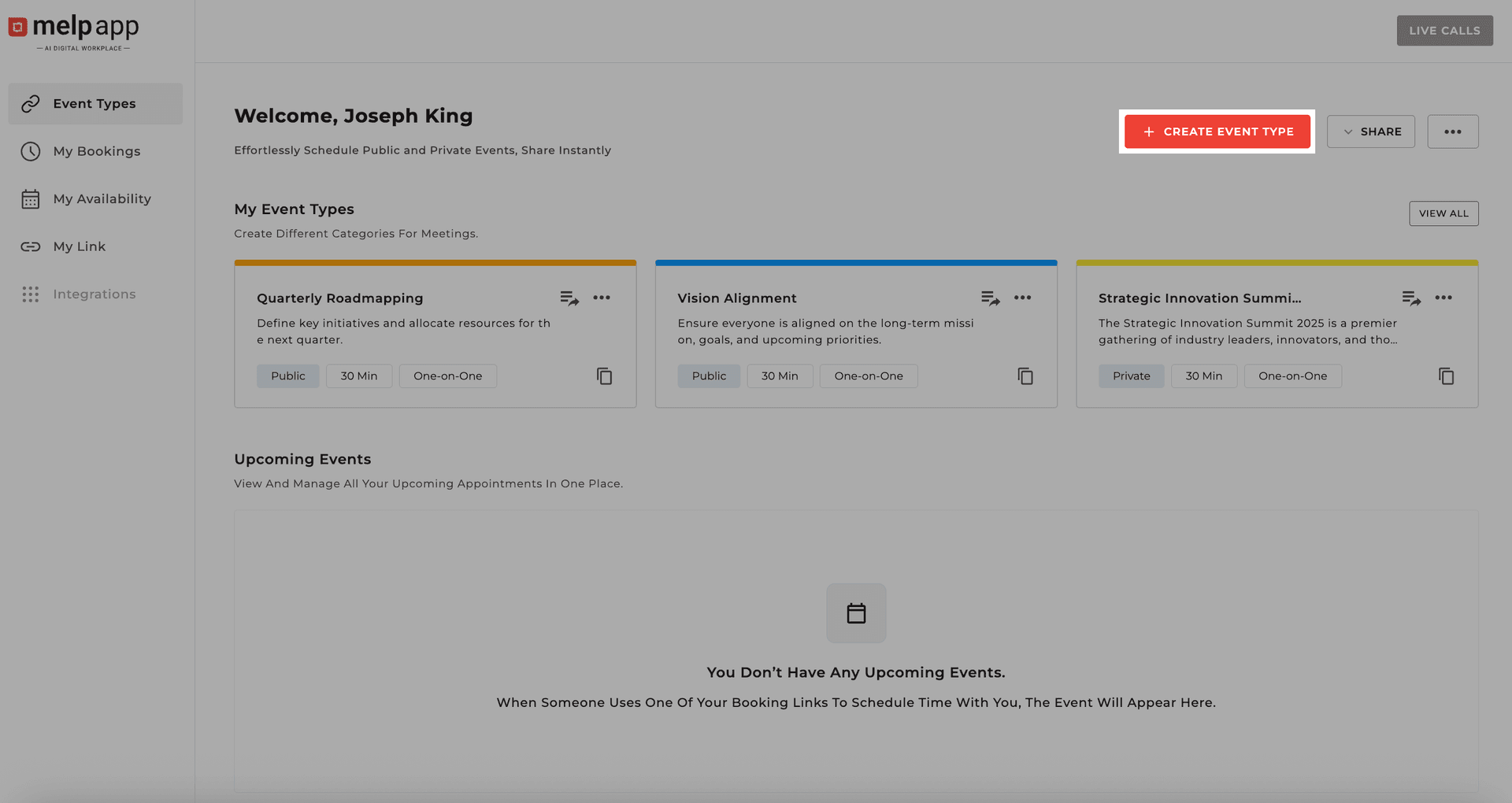
Click Create Event Type
From the booking page, hit the Create Event Type button.
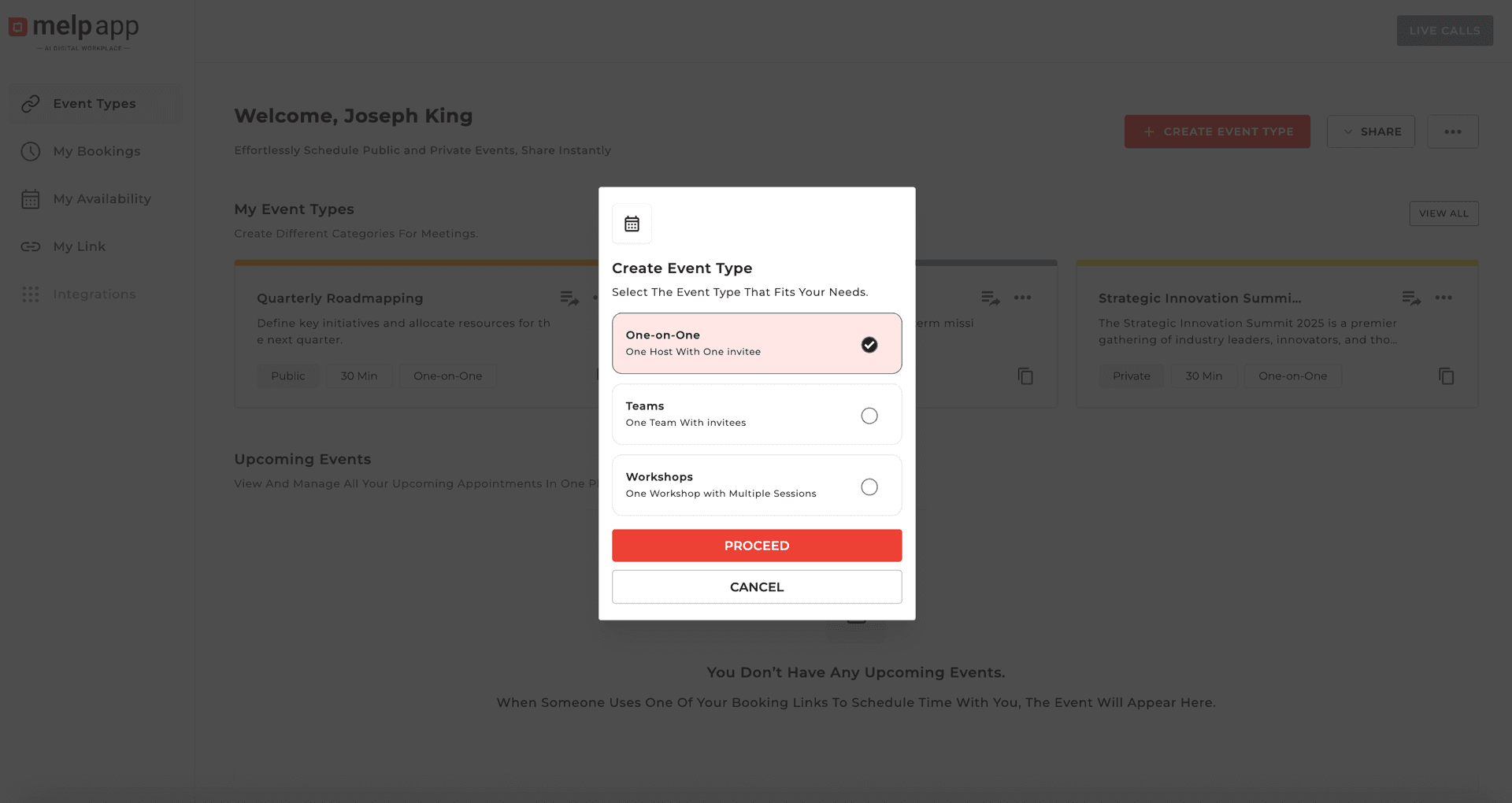
Choose Event Format
Choose the format: One-on-One, Team Event, or Workshop. Click Proceed to move forward.
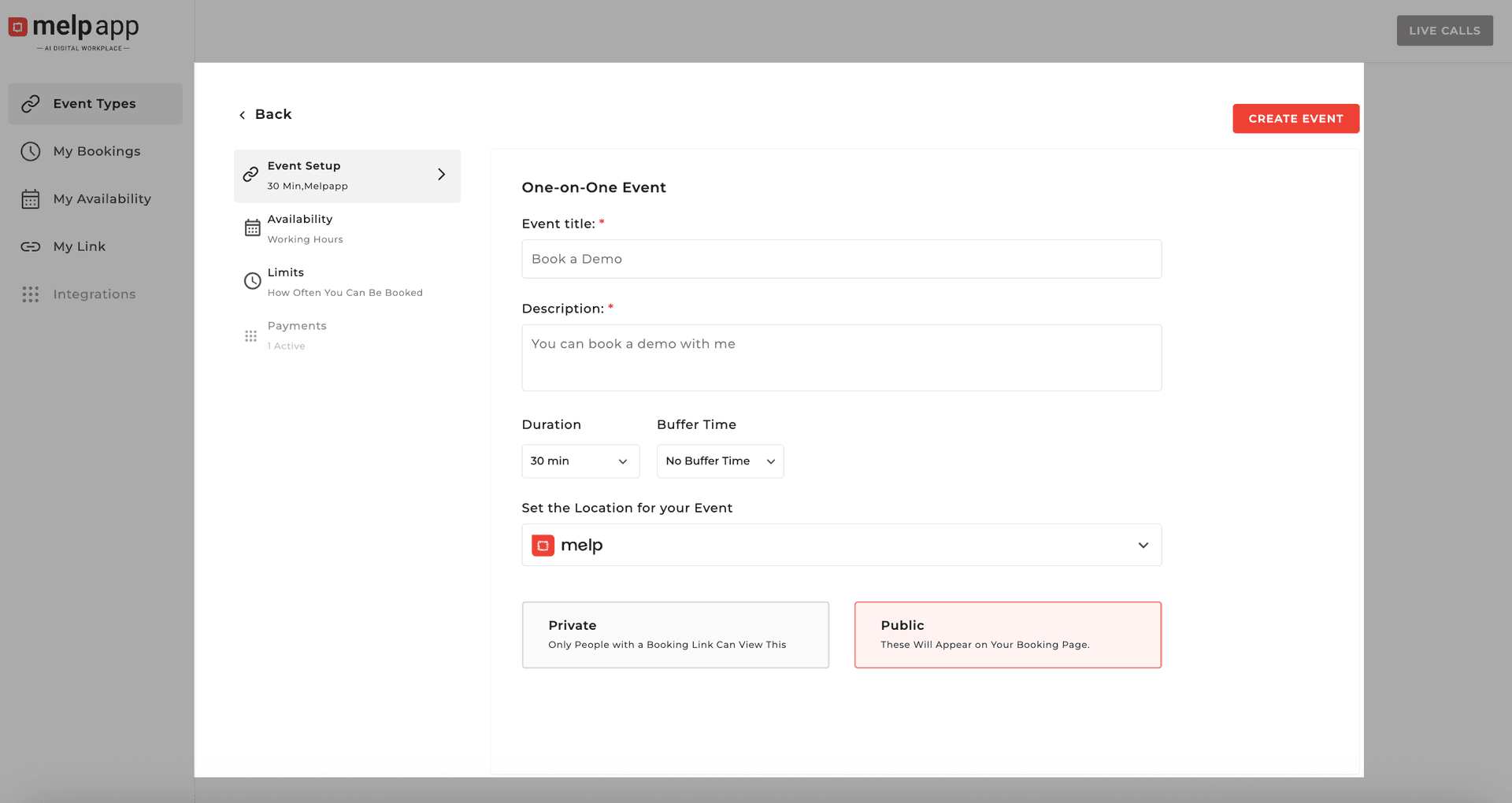
Fill Event Details
Add Event Name, Description, Location, Time & Duration. Choose whether your Event Type is Public or Private.
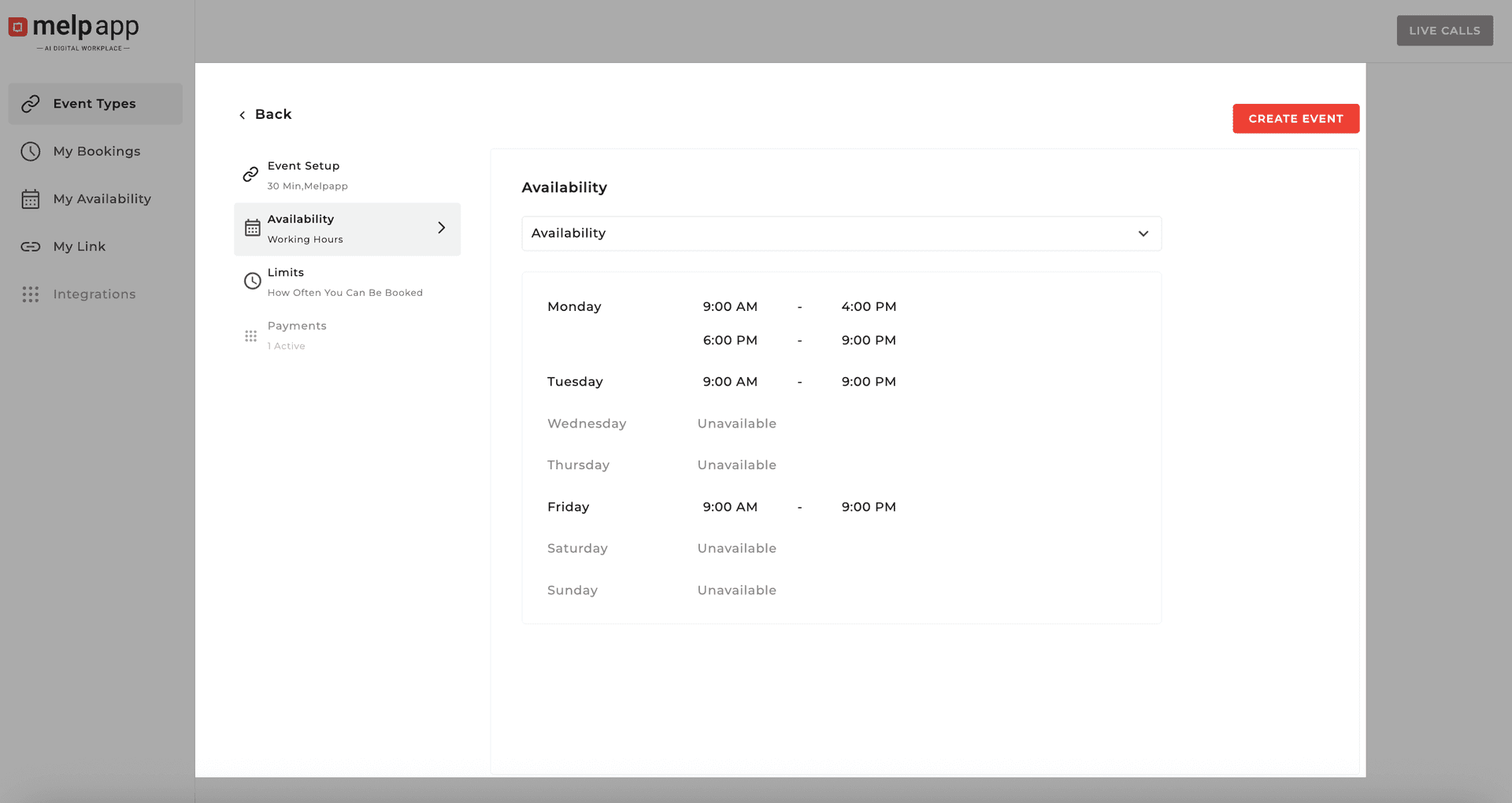
Set Availability
On the event side panel, go to Availability Options. Click the Choose Availability dropdown to pick from your saved slots.
Configure Limits
Open Limits Options to control how people join by setting a booking limit, enabling confirmation approvals, and managing guest permissions.
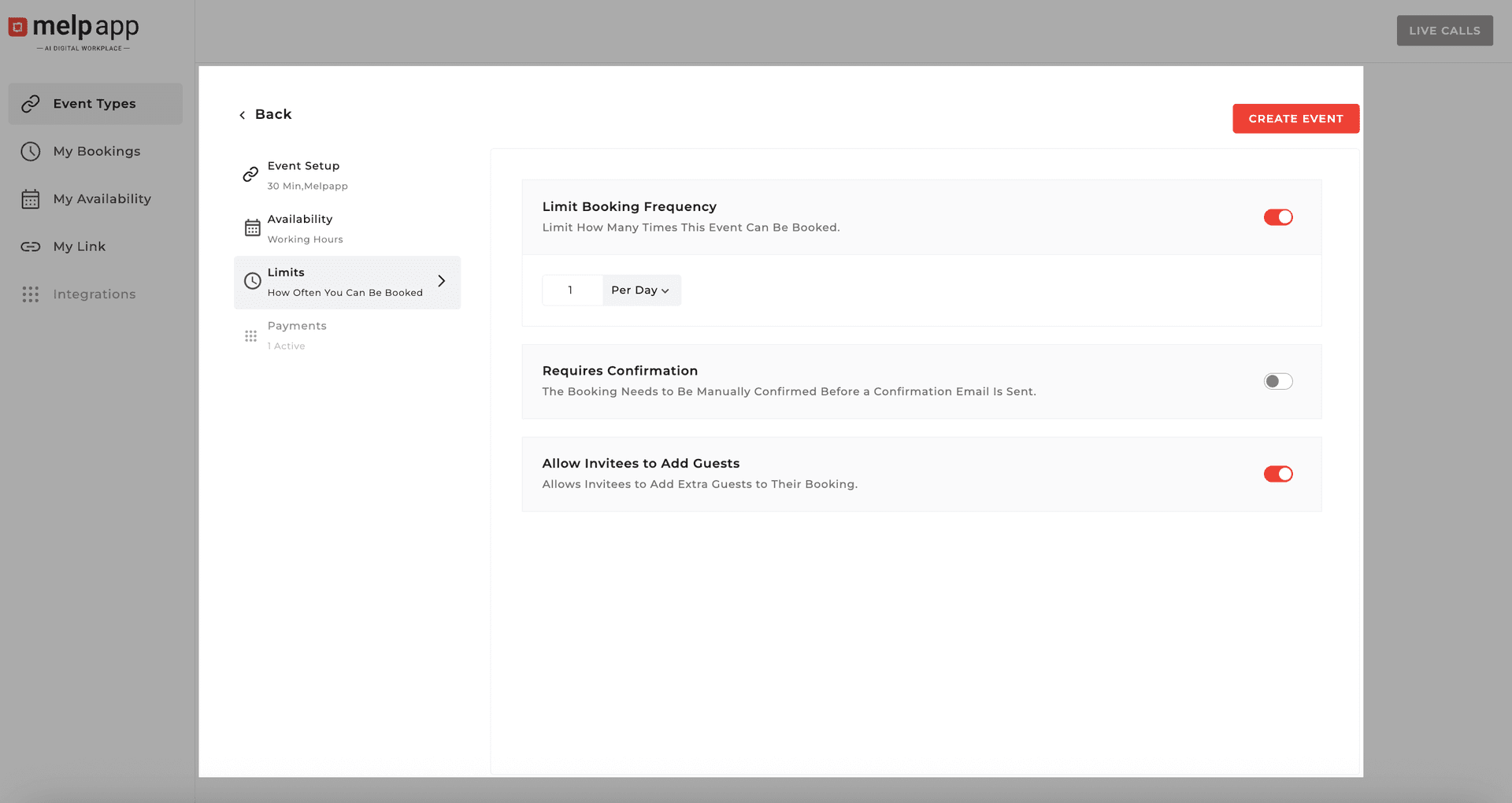
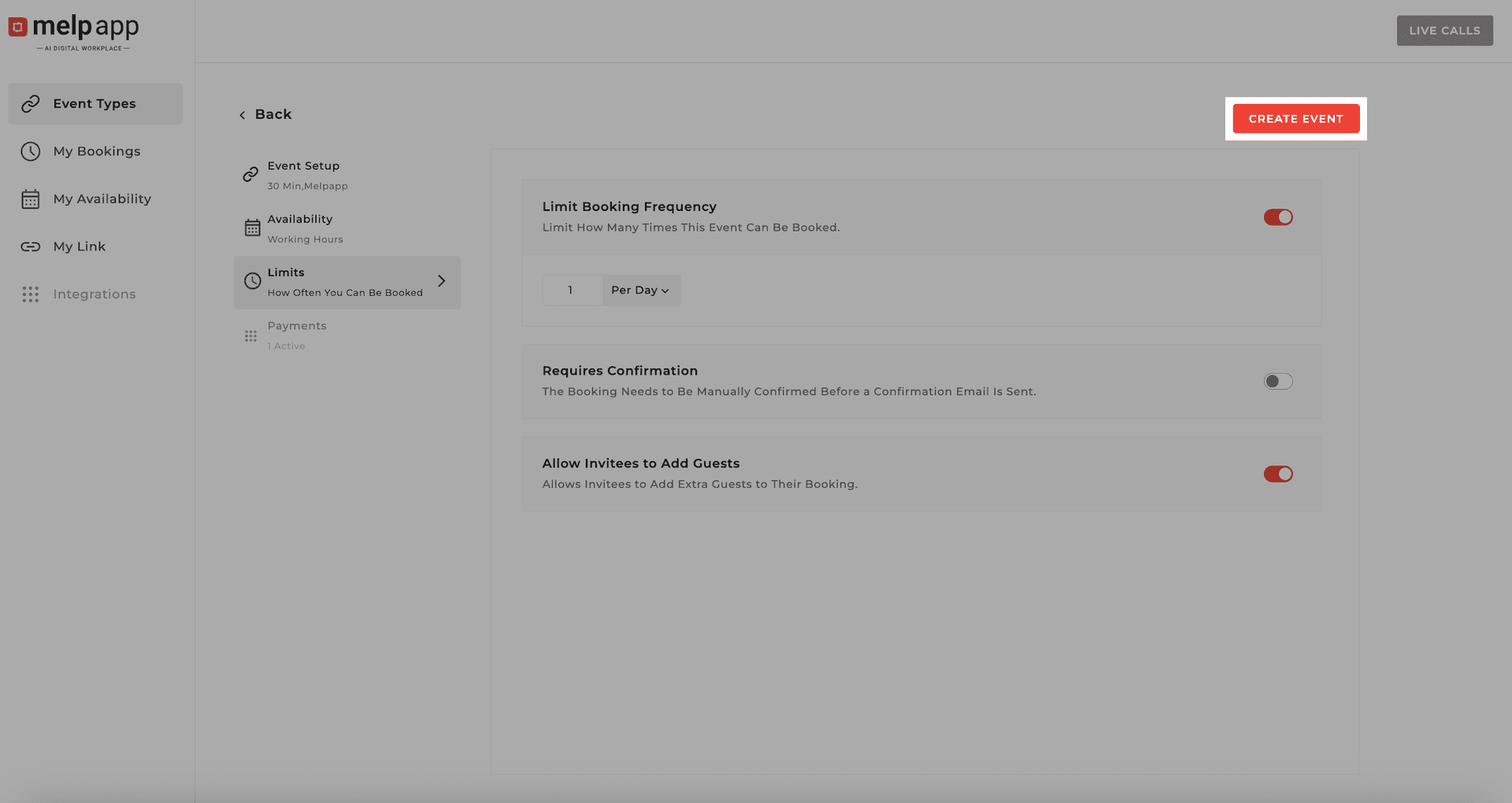
Create Event
Once everything looks good, click Create Event. Your event is now live and ready for bookings!
Pro Tip
Use descriptive names and event types to make it easier for attendees to find the right session.