

Receiving Voice or Video Calls
Handle incoming calls across all your devices.
2 min read
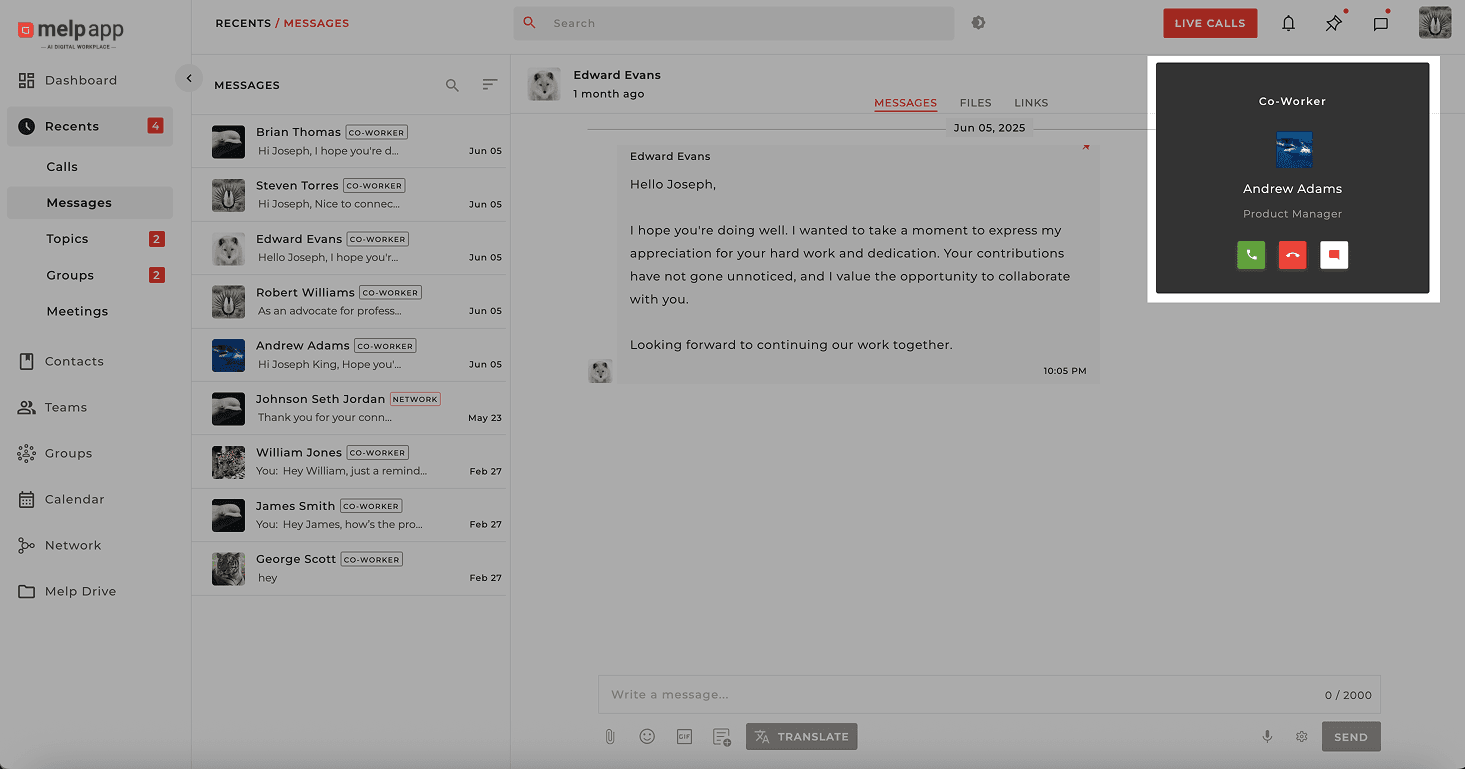
When someone calls you on Melp, you'll see a real-time call pop-up across all your connected devices — whether it's your desktop, laptop, tablet, or phone. No matter where you're working, you're always just one tap away from joining the conversation.
Incoming Call Notification
Your Call Options
When the call notification appears, you have three options:
Answer
Ready to chat? Click this to immediately jump into the call.
Decline
Not the right time? Hit decline to dismiss the call.
Message
Can't talk? Send a quick response letting the caller know you'll follow up.
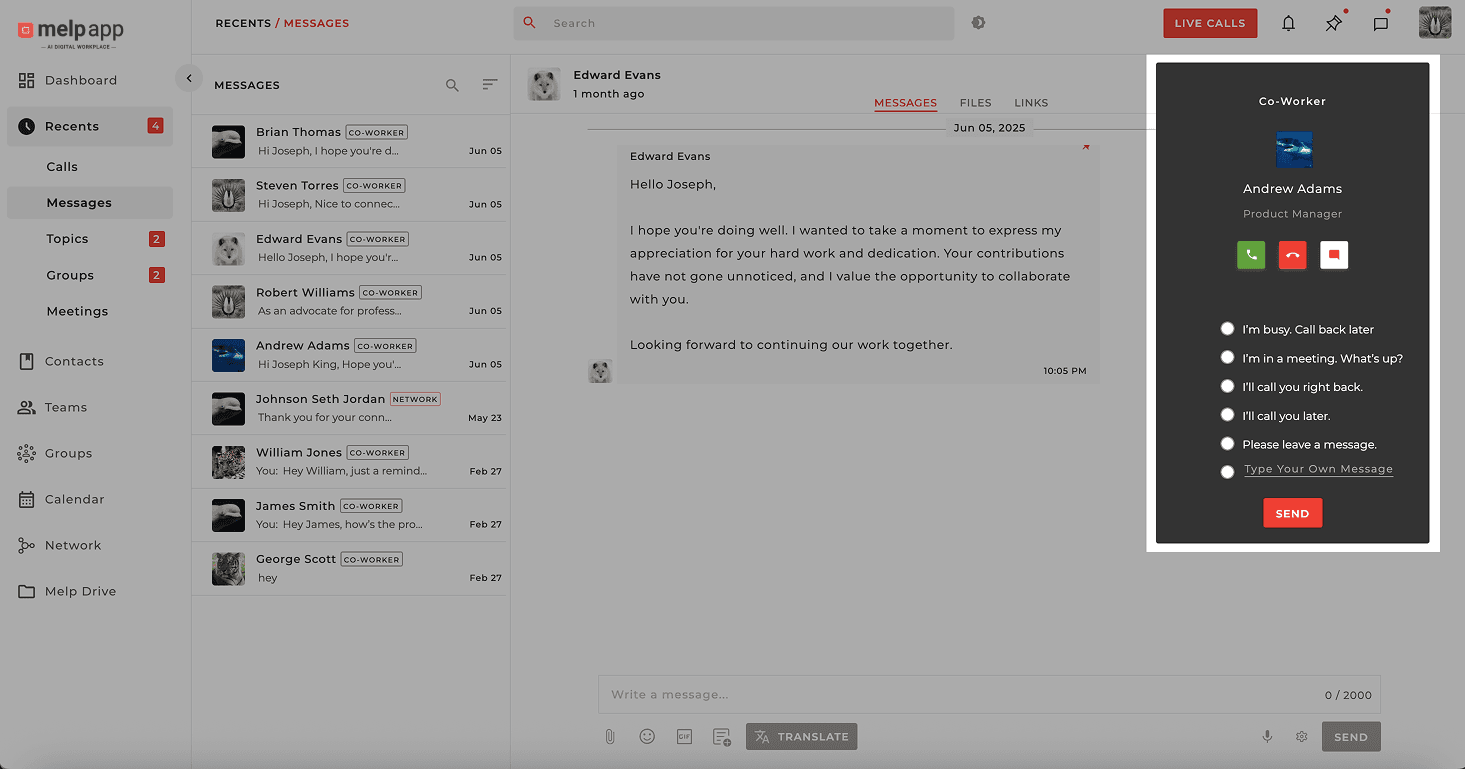
Decline with Message
Send a quick message when you can't take the call:
Multi-Device Sync
If you're logged in on multiple devices, the call will ring on all of them. You can answer from whichever device is most convenient for you!
Updated 21 Jan 2026
Did this page help you?