

Write and Share
Create rich formatted posts in chat.
Transform long, cluttered texts into beautifully formatted updates. With Write & Share, Melp converts lengthy content into a polished, doc-style post.
Why Use Write & Share?
Structured Content
Clear, visually appealing formatting.
Perfect for Updates
Meeting notes, project updates, or proposals.
No External Tools
No need to switch to external editors.
Automatic Mode
Paste Long Content
Write and Share kicks in automatically when you paste 2,000+ characters.
Confirm the Popup
A popup appears → Click OK to switch to Write & Share mode.
Format & Share
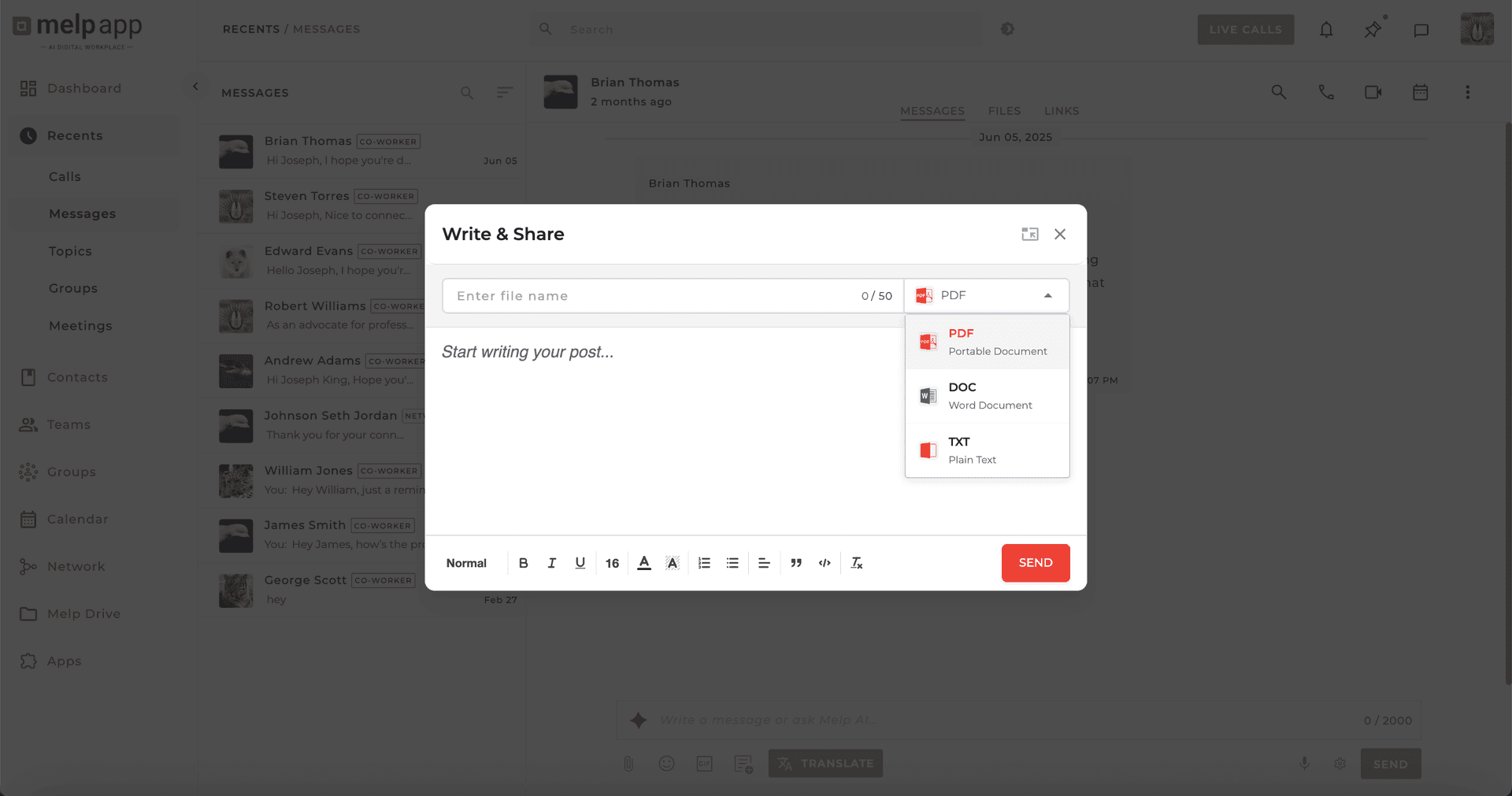
Add a title, format with bold, bullets, or headings. Click "Share" and your post appears as a polished document.
Manual Option
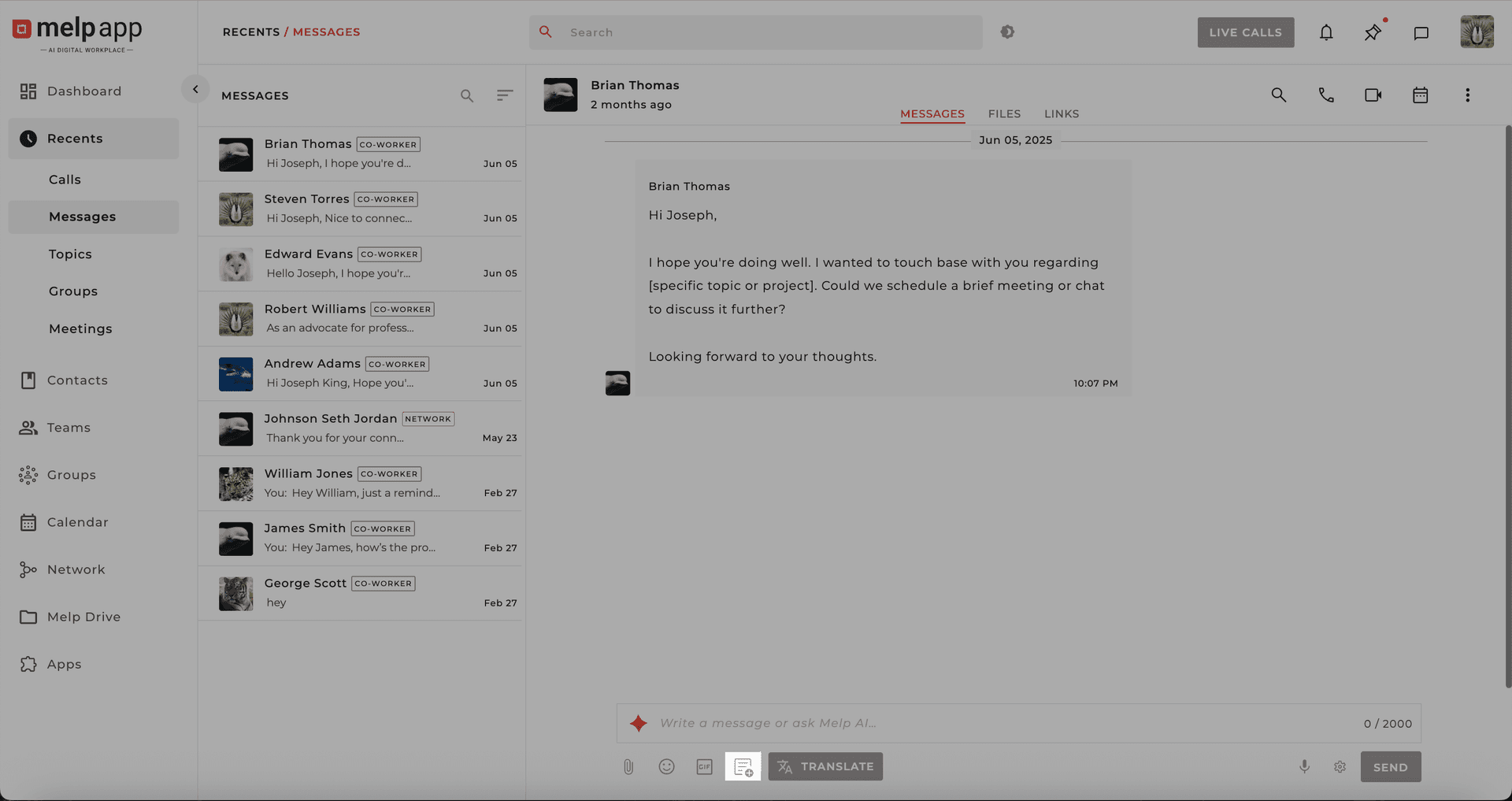
Click the Write & Share icon in the chat to open manual mode. Apply formatting: Bold, italics, headings, bullet points.
Stay Productive & Clear
Melp Chat isn't just about staying in touch — it's about staying productive, organized, and clear.