

Join a Meeting
Jump in. Get things done.
2 min read
Joining a meeting with Melp is fast, easy, and totally hassle-free—whether you're on your phone, tablet, or desktop.
Ways to Join
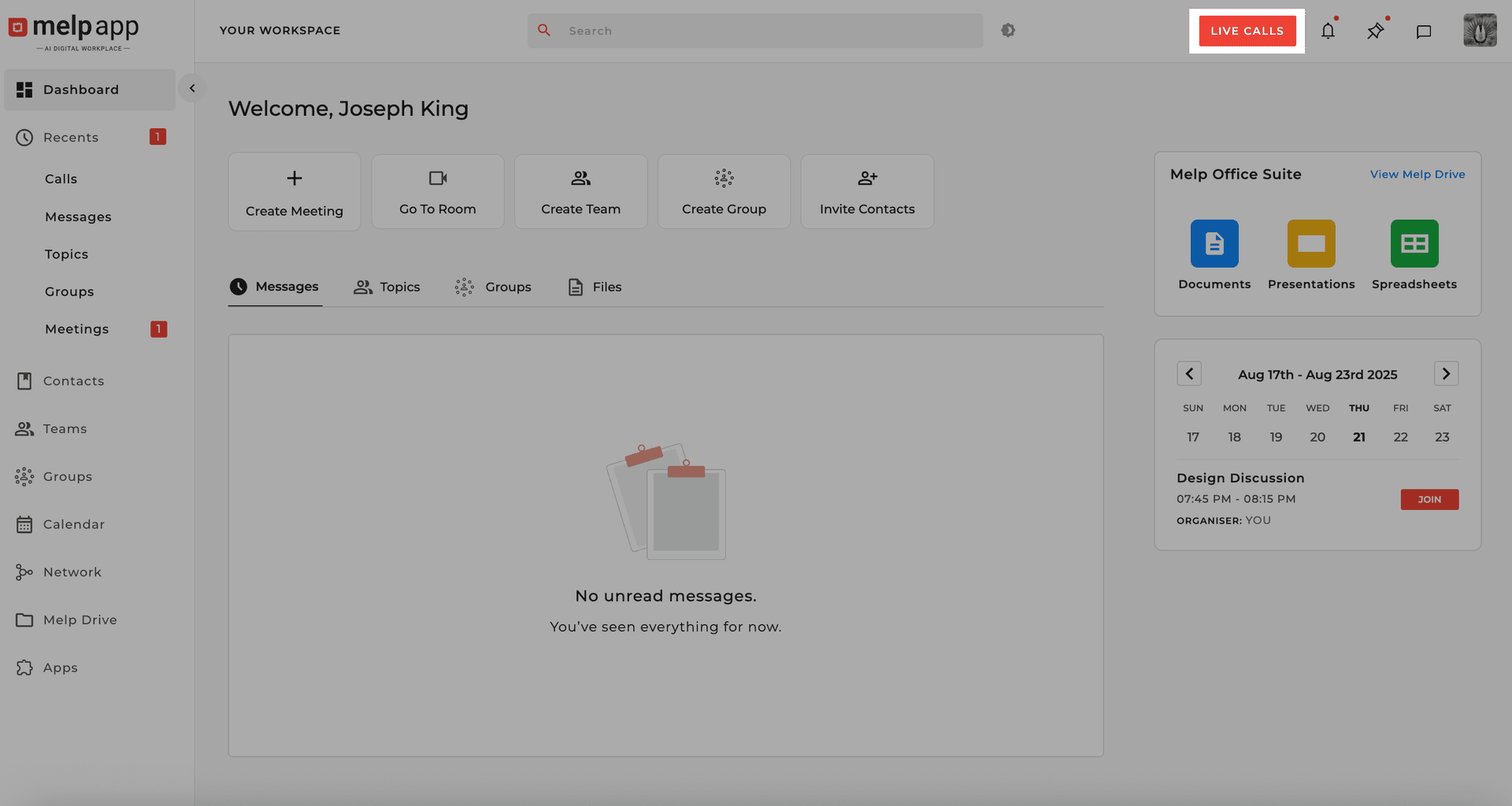
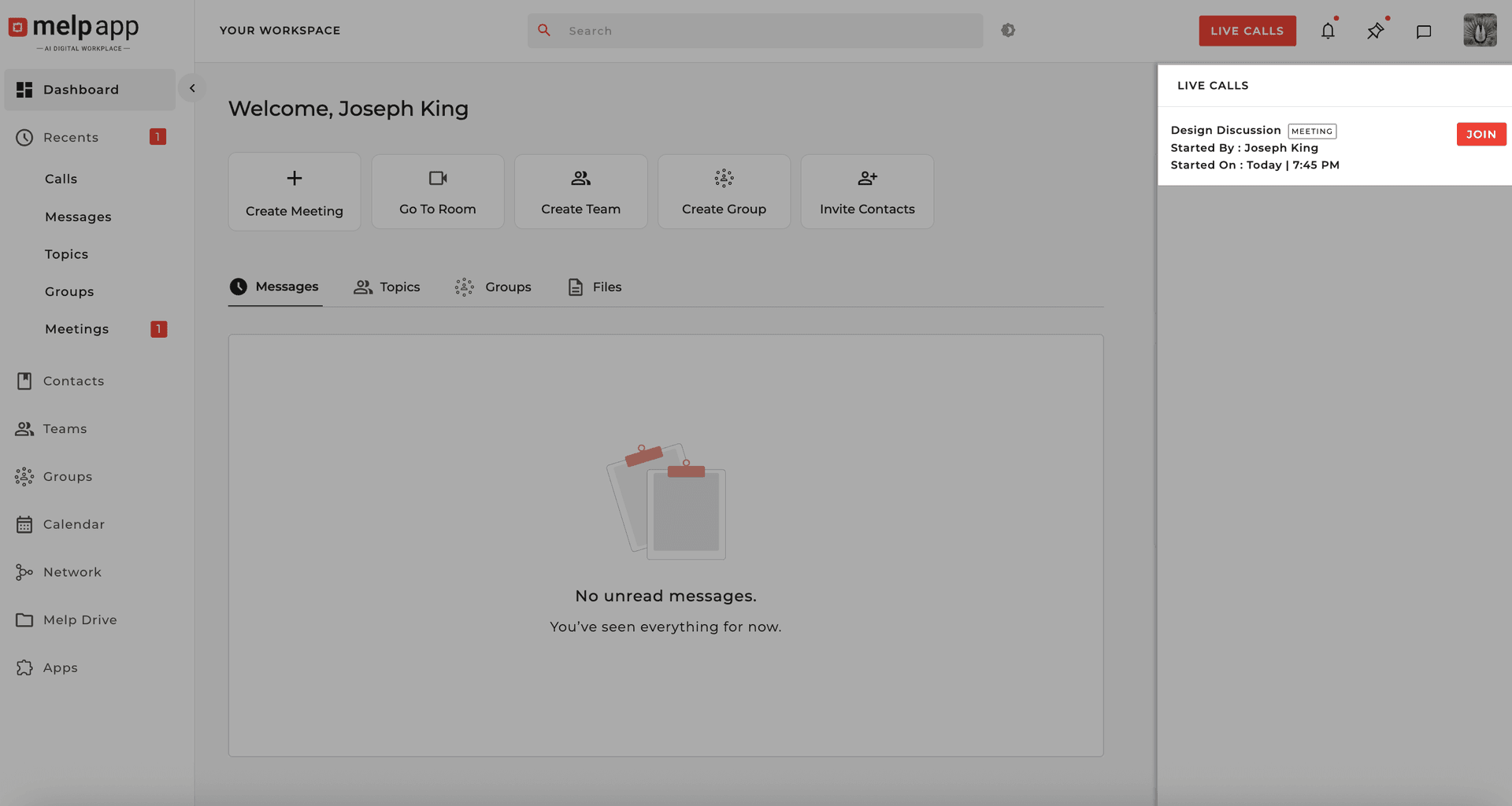
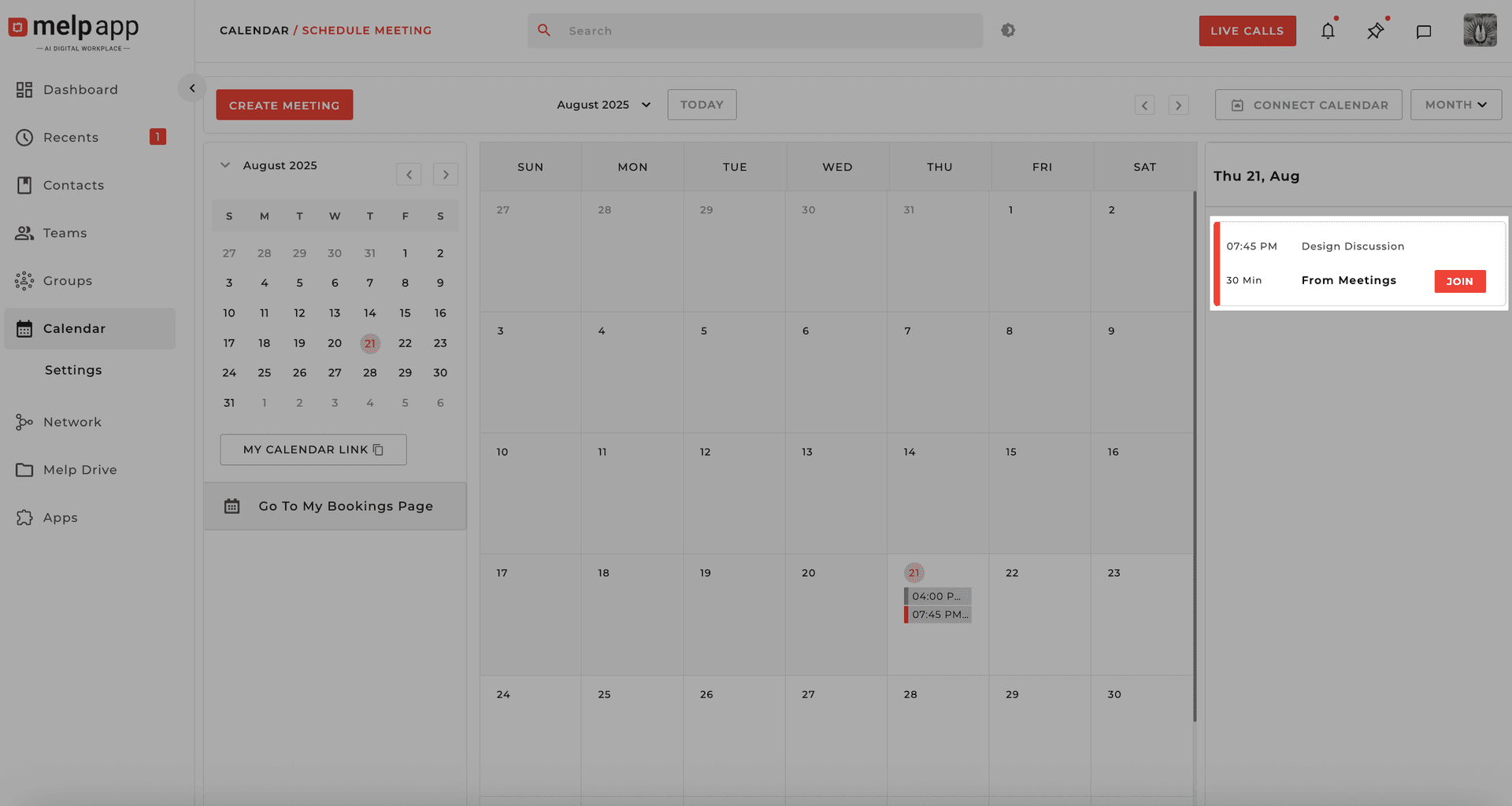
From the Live Call Button
Click the Live Call button to open the live call panel. Look for the meeting that's currently in progress and hit "Join".
From the Recent Tab
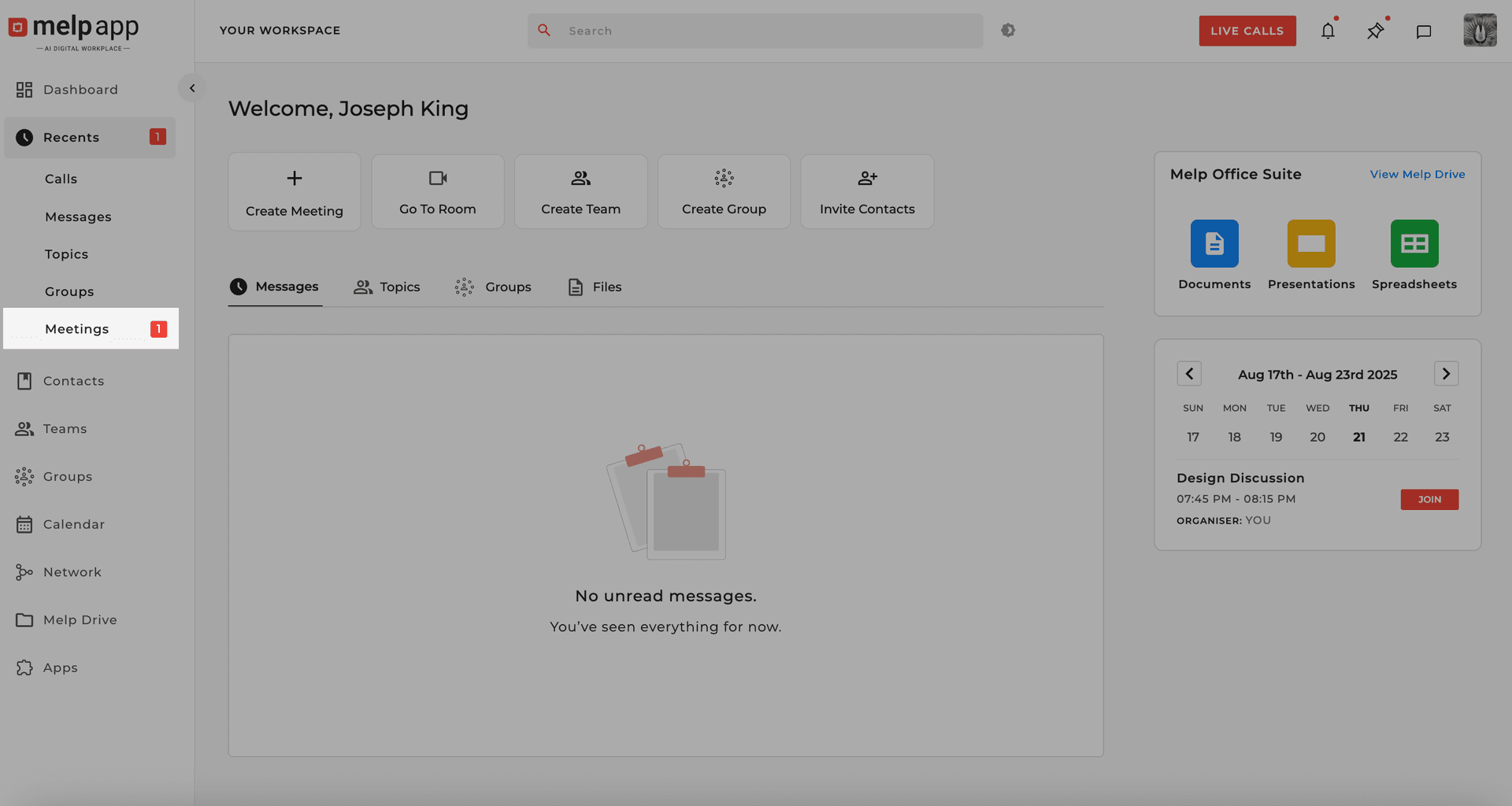
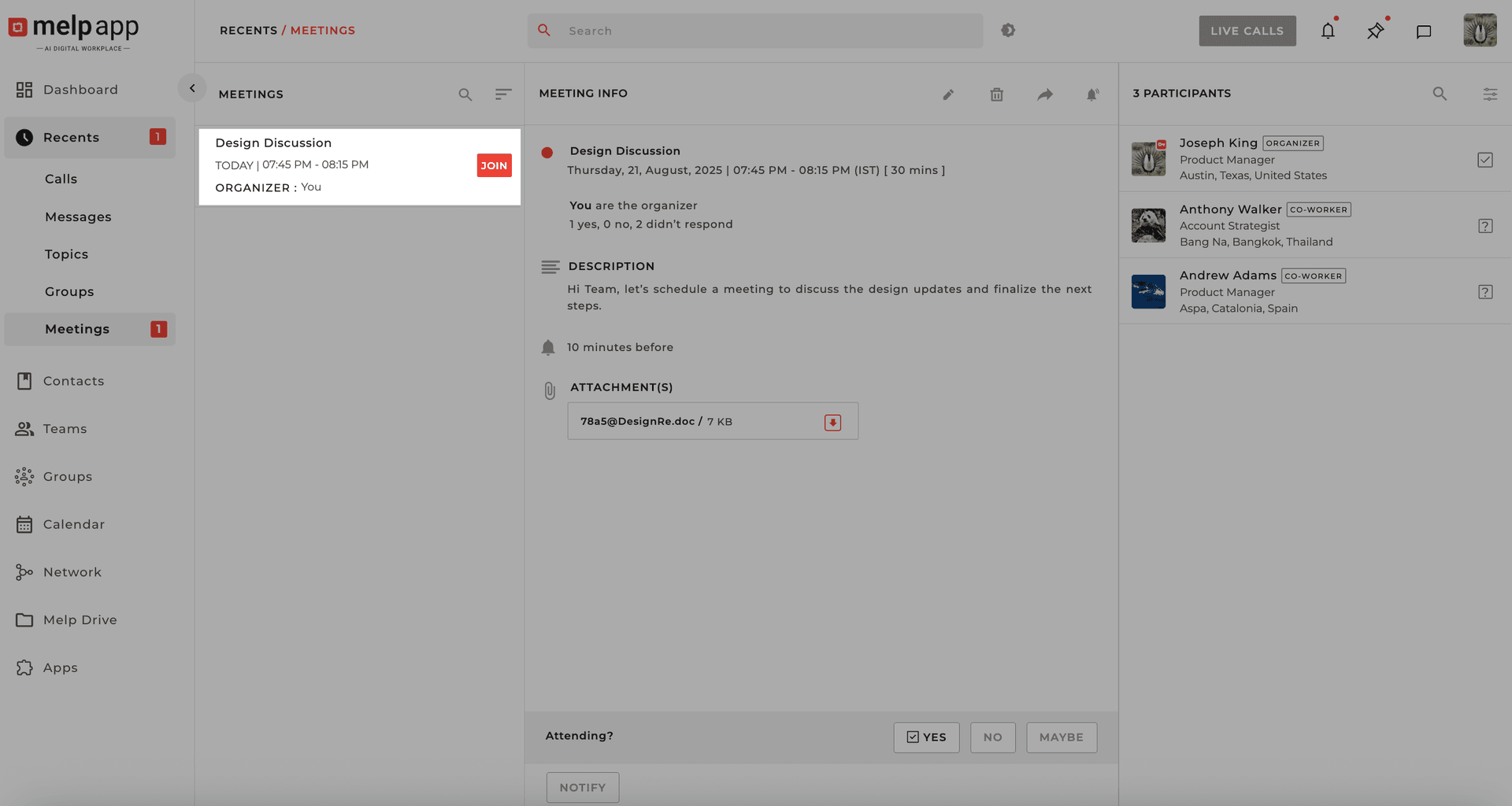
Go to the Recent tab and select "Meetings". Browse your list of recent meetings and click "Join" next to the one you want to attend.
Via Email Invite
Check your inbox for your Melp Meeting Invite. Click the meeting link or Join button inside the email.
Pro Tips
- • No account? You can still join meetings as a guest.
- • For the best experience, download Melp from the Download Center on your device.
Updated 21 Jan 2026
Did this page help you?