

Schedule with Non-Melp Users
Invite anyone to your meeting, even without a Melp account.
Yes — you can invite anyoneto your meeting, even if they don't have a Melp account.
Step-by-Step
Create a Meeting
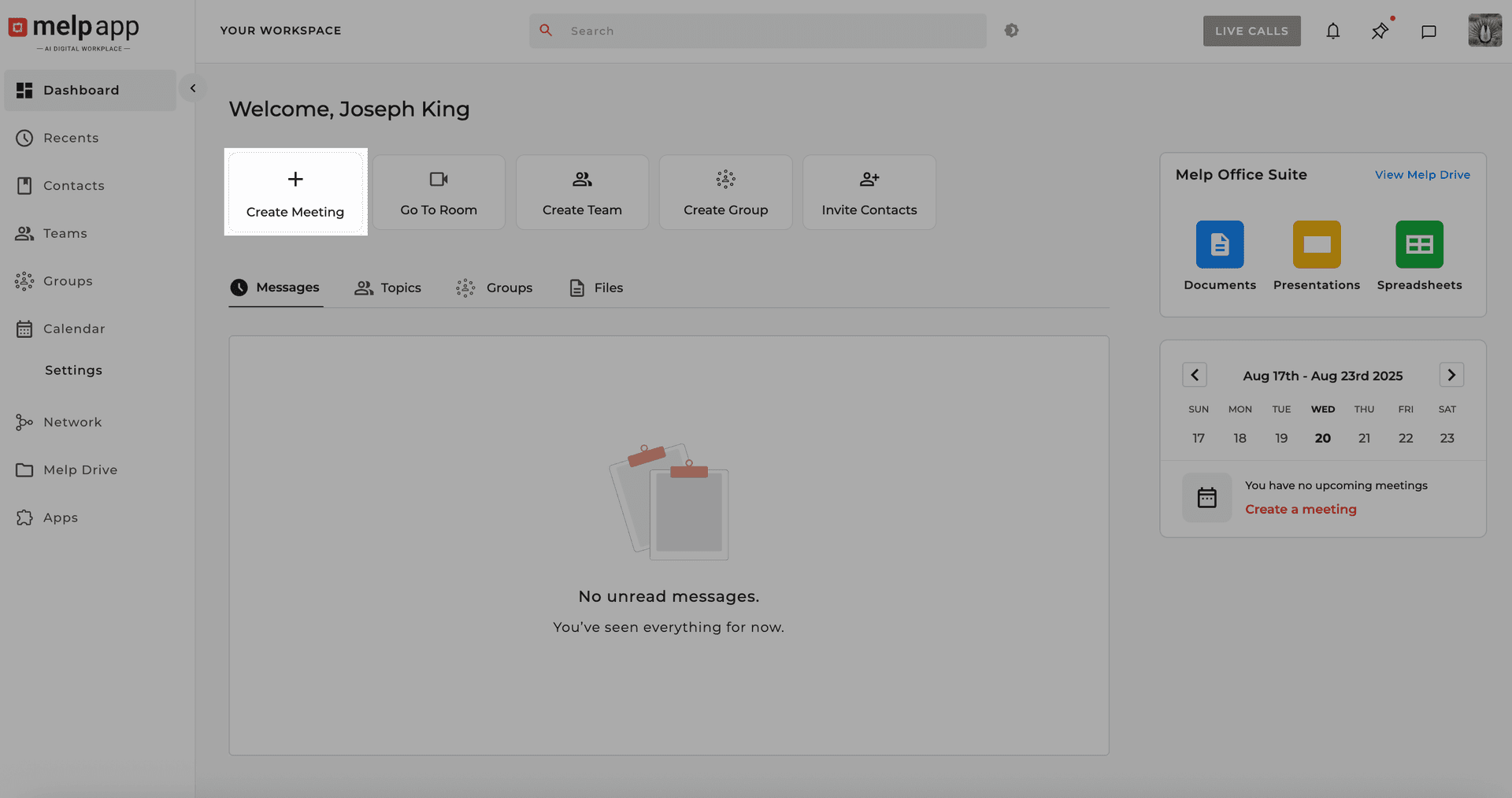
Go to Calendar or Dashboard and click "Create Meeting". Fill in the details: Title, Description, Date, Time, Duration, etc.
Add External Invitees
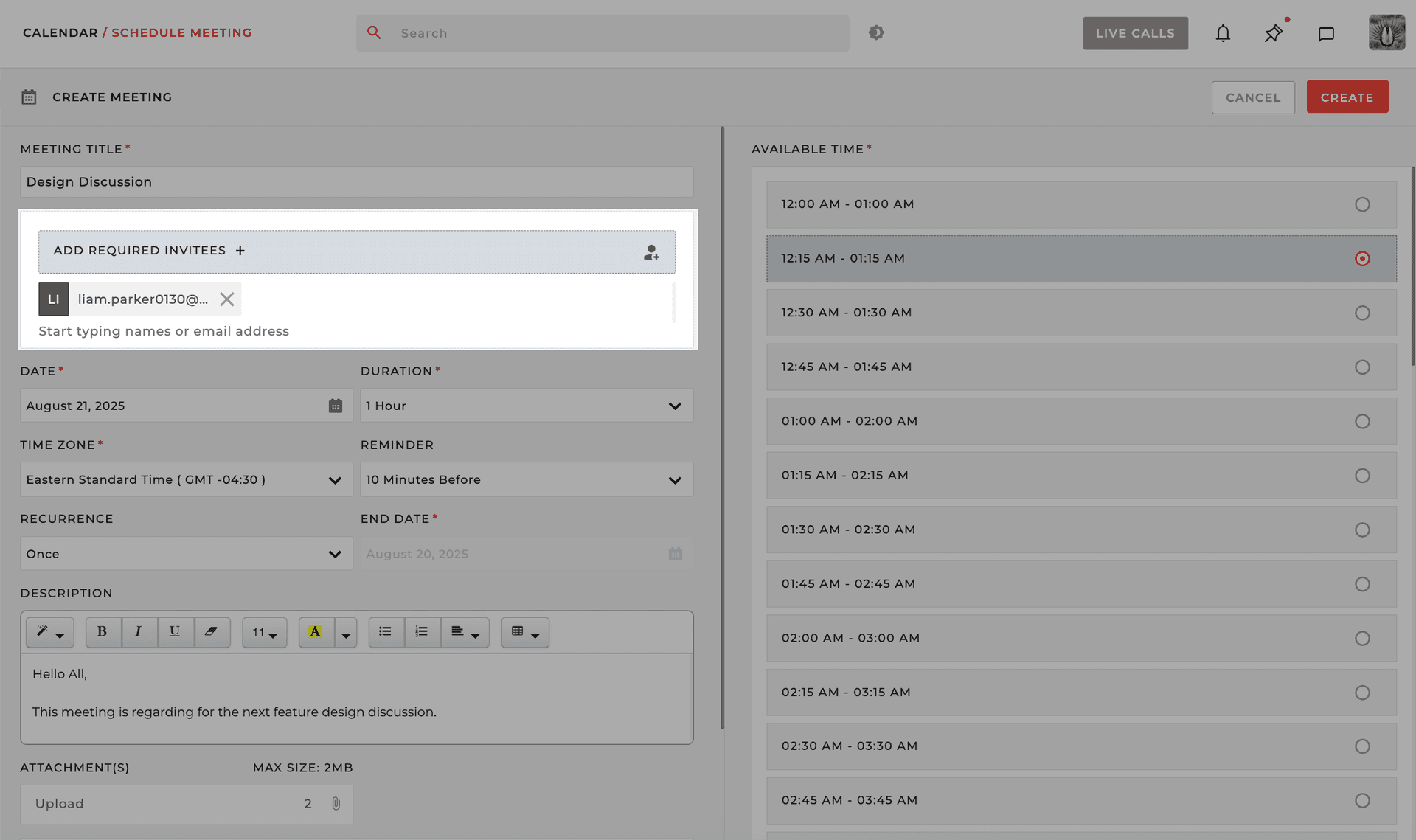
In the "Add Invitees" field, type the email address of the person you want to invite.
Schedule it!
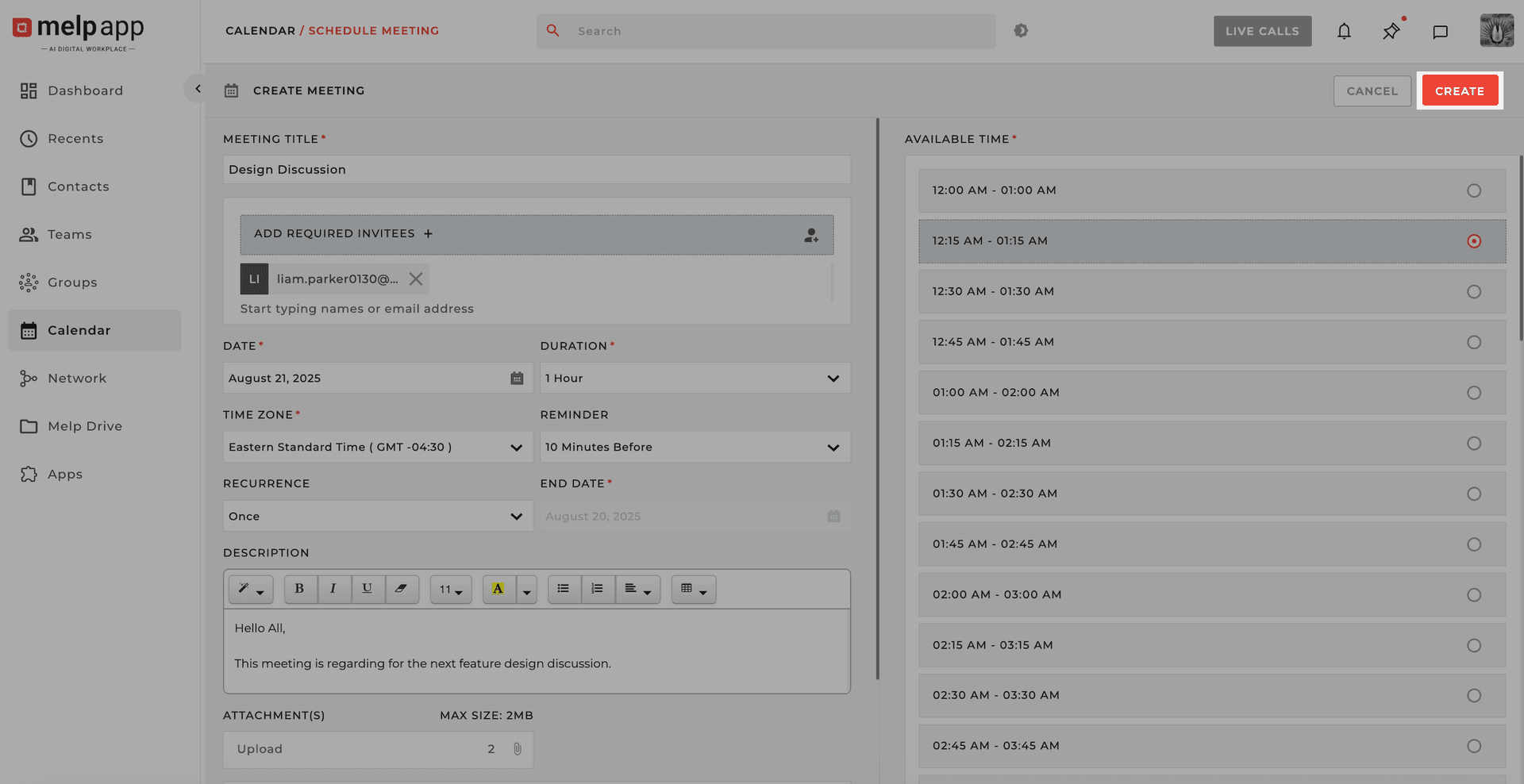
Click "Create". Your meeting is scheduled!
What Happens Next for Non-Melp Invitees
They'll receive an email invitation with a Join Meeting link.
On clicking the link, they'll be prompted to enter their name and email address.
A join request is sent to you for approval.
If Approved
The user is allowed into the meeting and can participate: Video, Voice, and in-call Chat.
If Declined
The user will be denied entry with a message saying their request was not approved.
Pro Tip
Even though non-Melp users can join meetings without creating an account, we recommend signing up for a smoother experience.