

Schedule a Meeting
Plan it. Set it. Get back to work.
Melp makes scheduling meetings fast and easy — so you spend less time planning and more time doing.
How to Create a Meeting
Open Meeting Creator
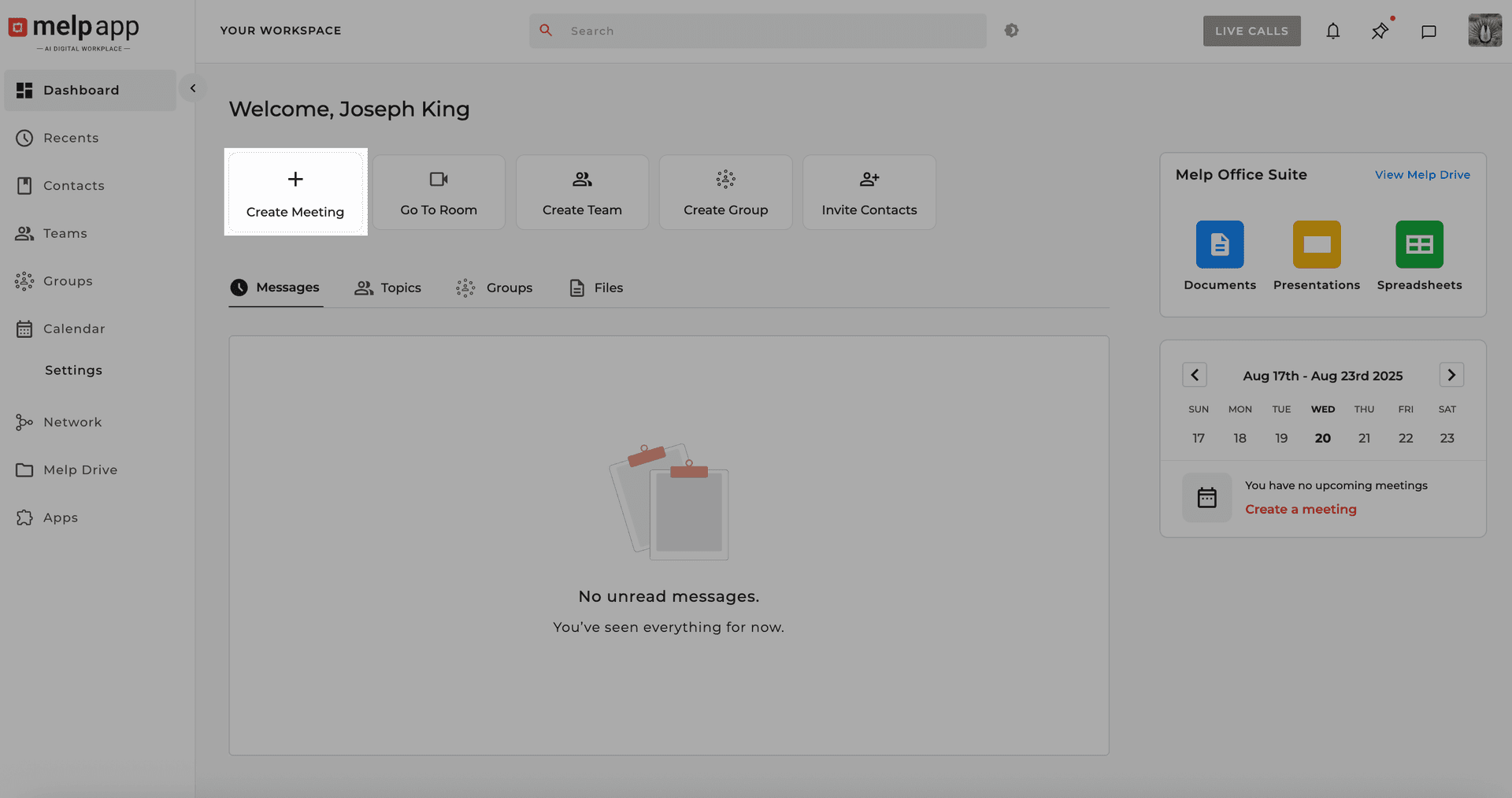
Go to Dashboard or Calendar and click the "Create Meeting" button.
Fill in Meeting Details
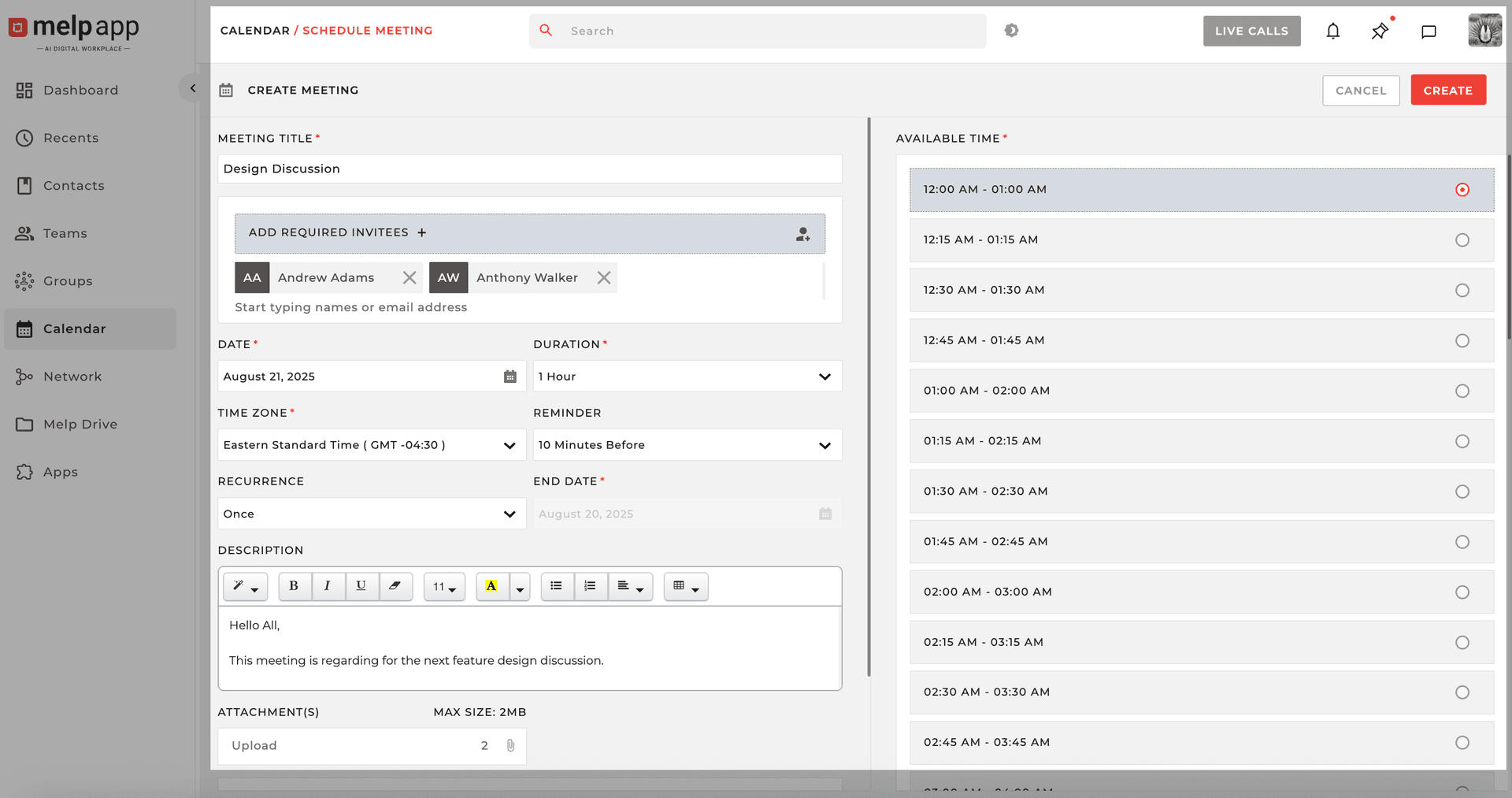
Add the Title, Invitee, Description, Date, Time, Duration, Reminder, and Recurrence (if needed). Upload attachments like agendas or documents.
Create Your Meeting
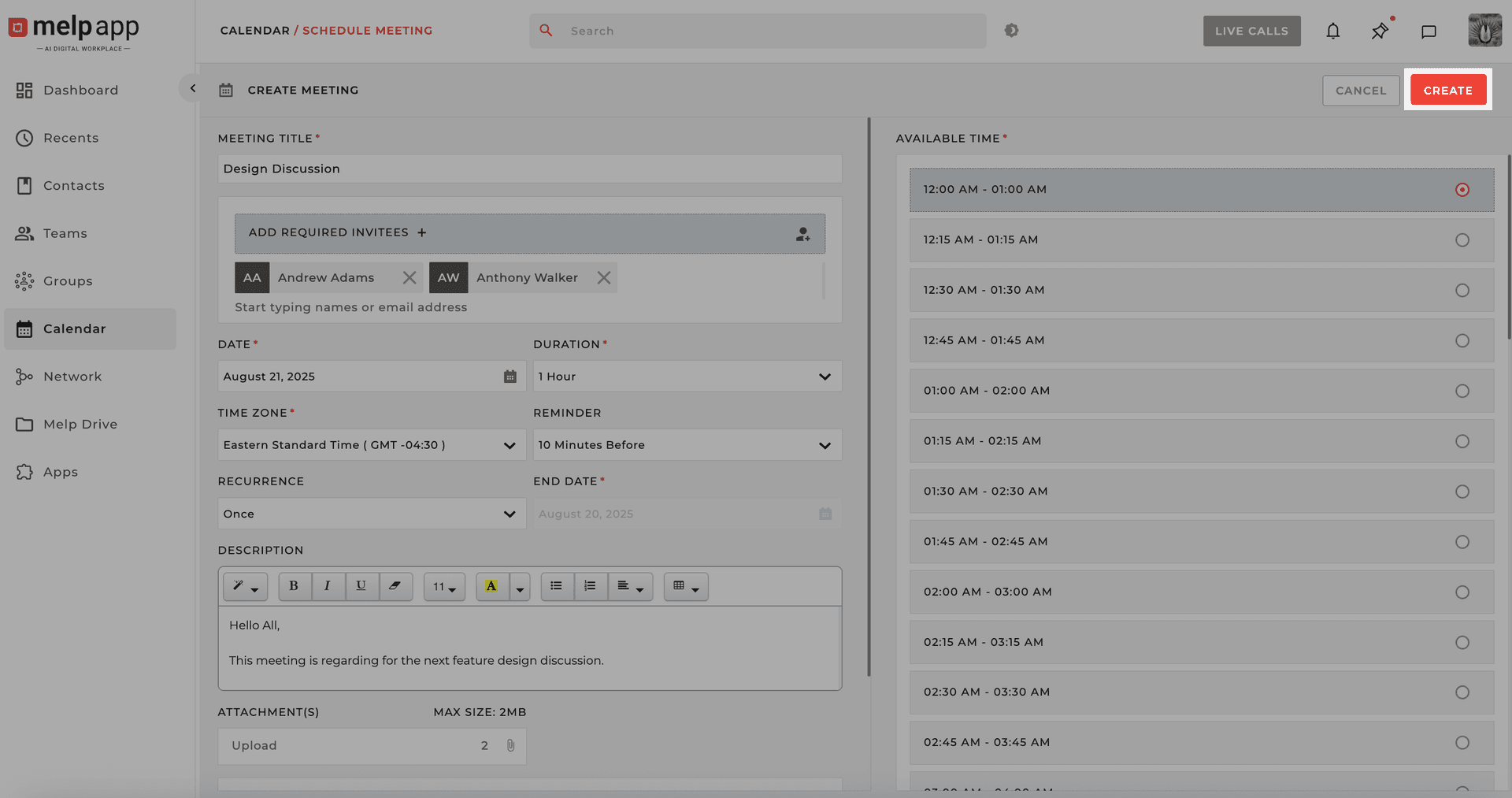
Click on "Create". Boom — your meeting is locked in and everyone gets notified automatically.
Everyone Gets Notified
Melp takes care of the rest:
Instant Invites
Invites go out instantly via email to all participants.
Calendar Sync
The meeting shows up on everyone's Melp Calendar.
Reminders
Automatic reminders ensure no one misses the meeting.
Schedule Smarter
No extra steps. No confusion. Just easy scheduling that keeps everyone in sync. Melp helps you schedule smarter — so you can stay focused on what matters.