
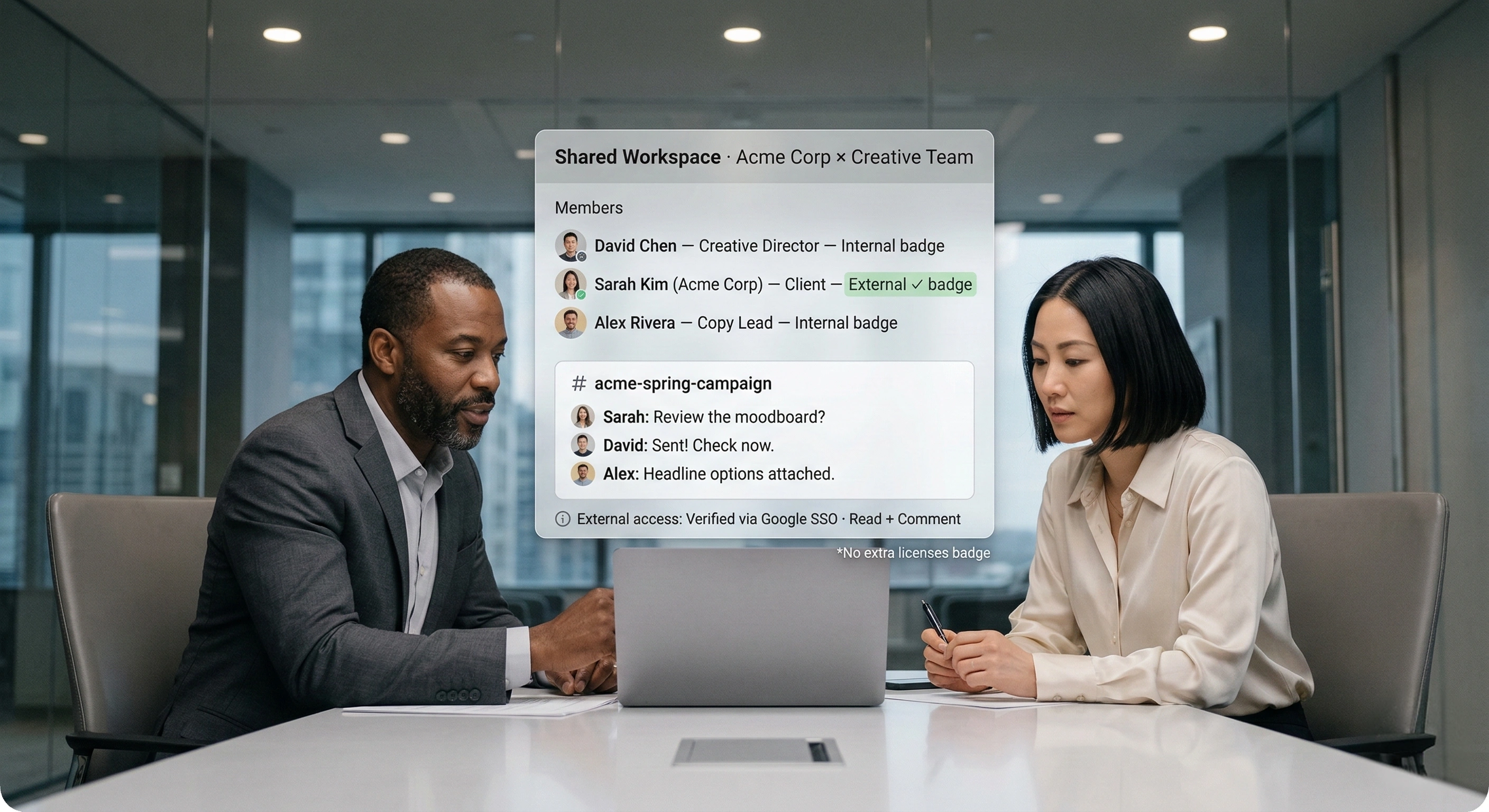
External collaboration across organizations
Work with clients, vendors, suppliers, contractors, and partners in secure shared workspaces. External users join with the Google, Microsoft, or Melp identity they already use, so collaboration stays governed without extra licenses.

What external collaboration actually means
External collaboration is ongoing work with people outside your company. It needs verified identity, controlled access, and a shared record both sides can trust.

Internal tools assume a shared context
One directory, one set of policies, one administrator, one definition of who may see what. Those assumptions hold inside a company. They stop holding the moment the person you need is employed by someone else.
External work is a recurring business process
Companies run continuous work with clients, vendors, suppliers, contractors, advisors, and channel partners. Each relationship carries decisions, files, deadlines, and accountability, so it cannot be treated like a temporary exception.
Guest access is not the same as a governed workspace
If external access is broad, hard to scope, or hard to remove, teams route the work back to email, personal messaging, and file transfer links. A better model is one shared workspace with clear boundaries for each relationship.
Choose the external relationship you need to run
Each page addresses one audience's actual mechanics: the problem, how Melp handles it, and what the access model looks like. They are deliberately different from one another because the relationships are.
Client Collaboration Software
Scope disputes because the approval lives in someone's inbox
One workspace per engagement, with an approval trail you can produce months later.
Learn More
Vendor Collaboration Platform
Forty vendors, forty different channels, no consistent record
A governed workspace per vendor, so vendor communication stops living in individual inboxes.
Learn More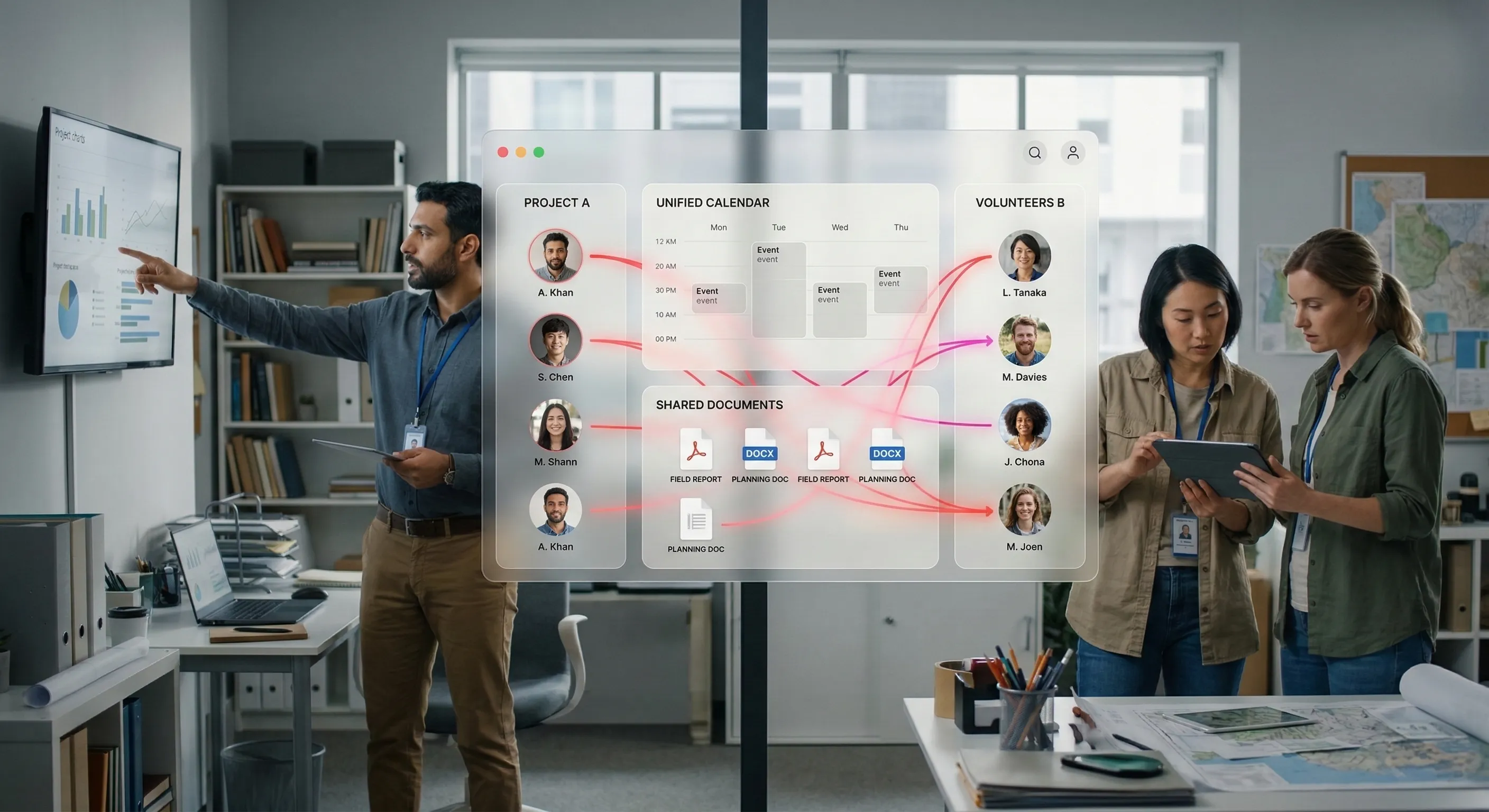
Supplier Collaboration
Critical quality issues living in an ungoverned consumer chat group
Governed, multilingual coordination for suppliers who ship physical goods against a spec.
Learn More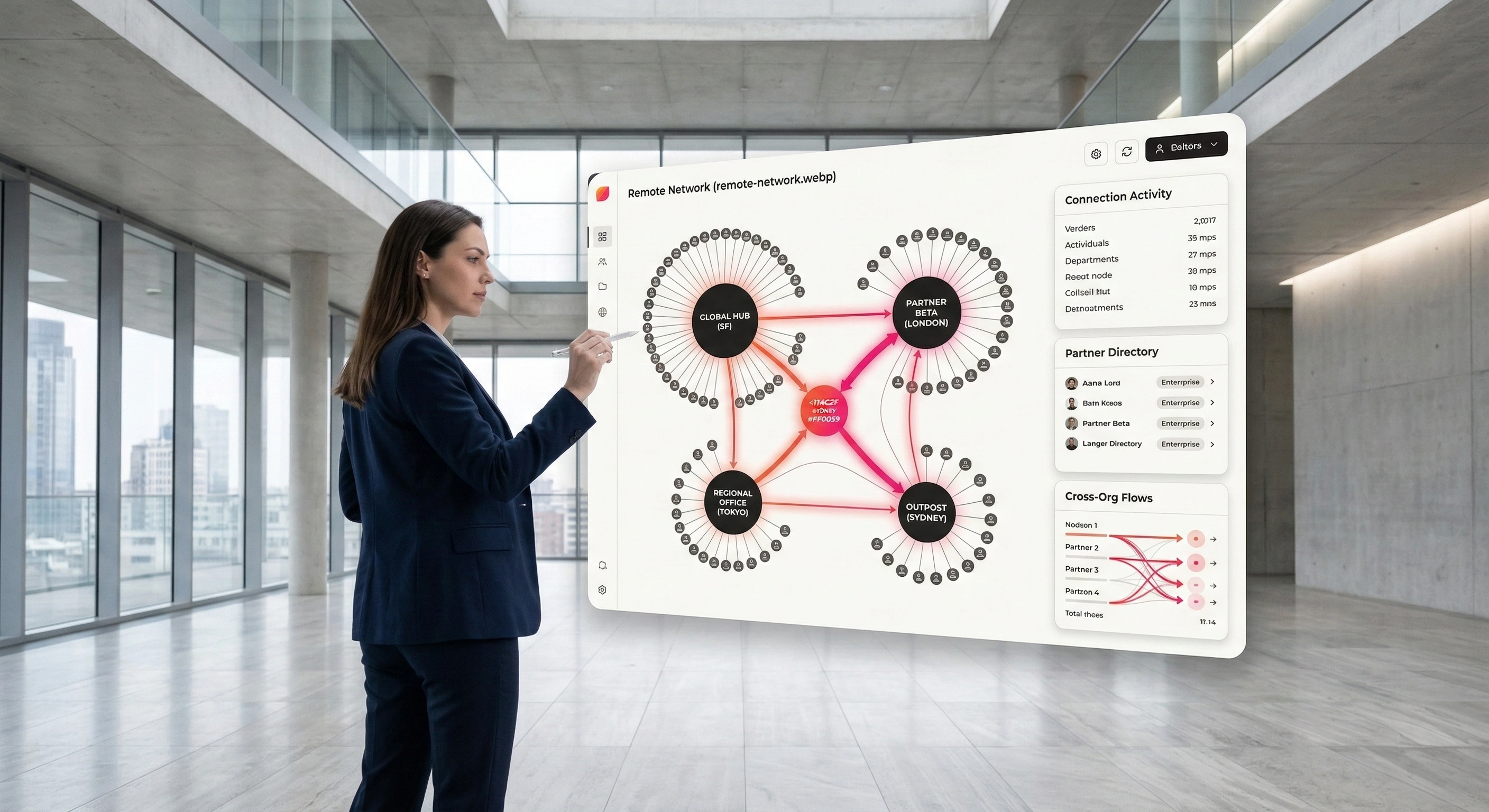
Contractor Collaboration
Contractors from finished jobs who still have access to everything
Time-boxed, scoped access for crews and specialists who are here for weeks, not years.
Learn More
Consultant Collaboration
Paying twice for thinking that walked out with the consultant
Shared advisory workspaces where the reasoning survives the engagement, not just the final deck.
Learn More
Customer Collaboration Portal
Relationship history fragmented across tickets, email and one person's memory
A continuous shared space per customer, spanning onboarding, escalation, reviews and renewal.
Learn More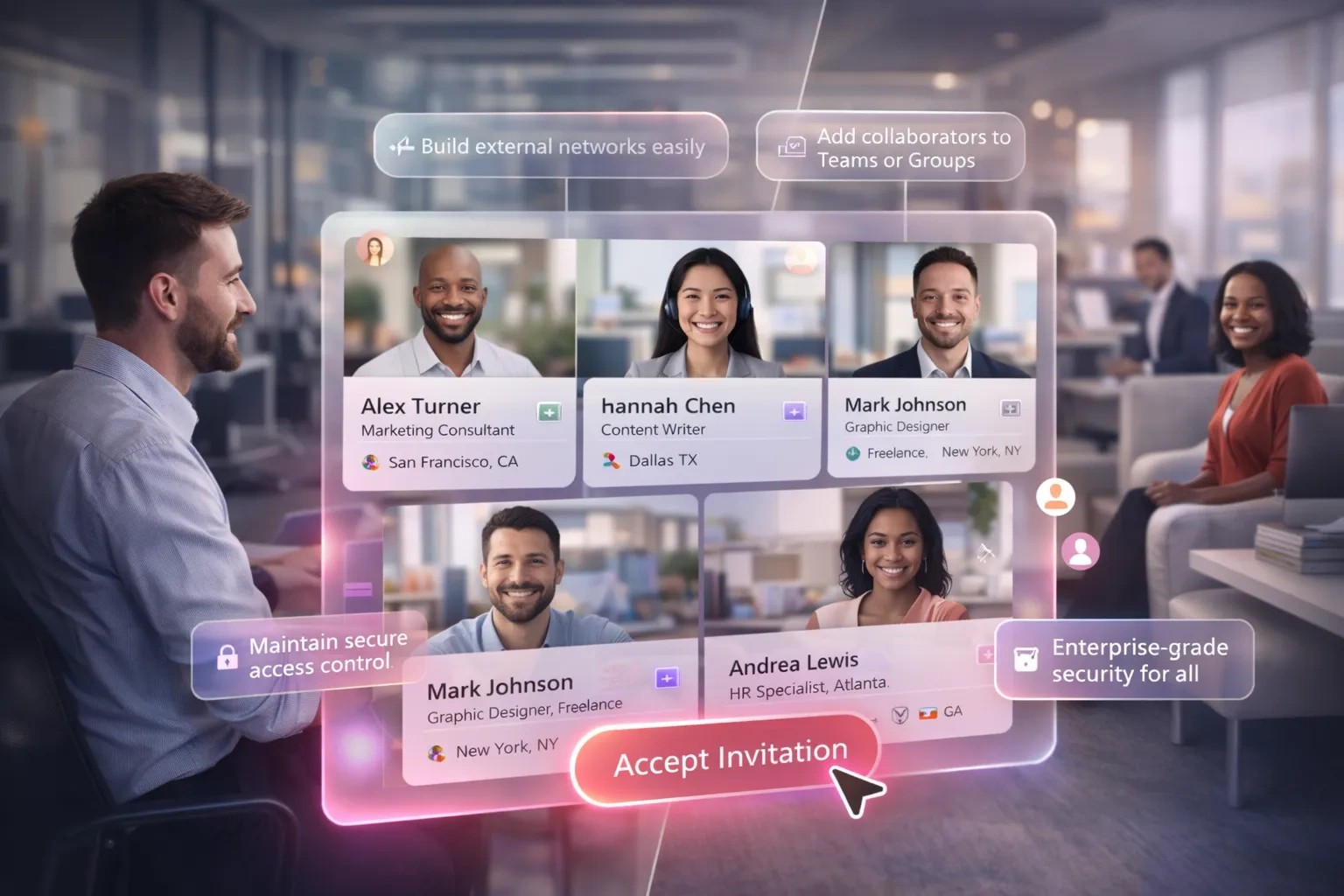
Partner Collaboration
A partner portal your partners' sellers have never logged into
Deal-level co-selling workspaces plus a program space partners will actually open.
Learn More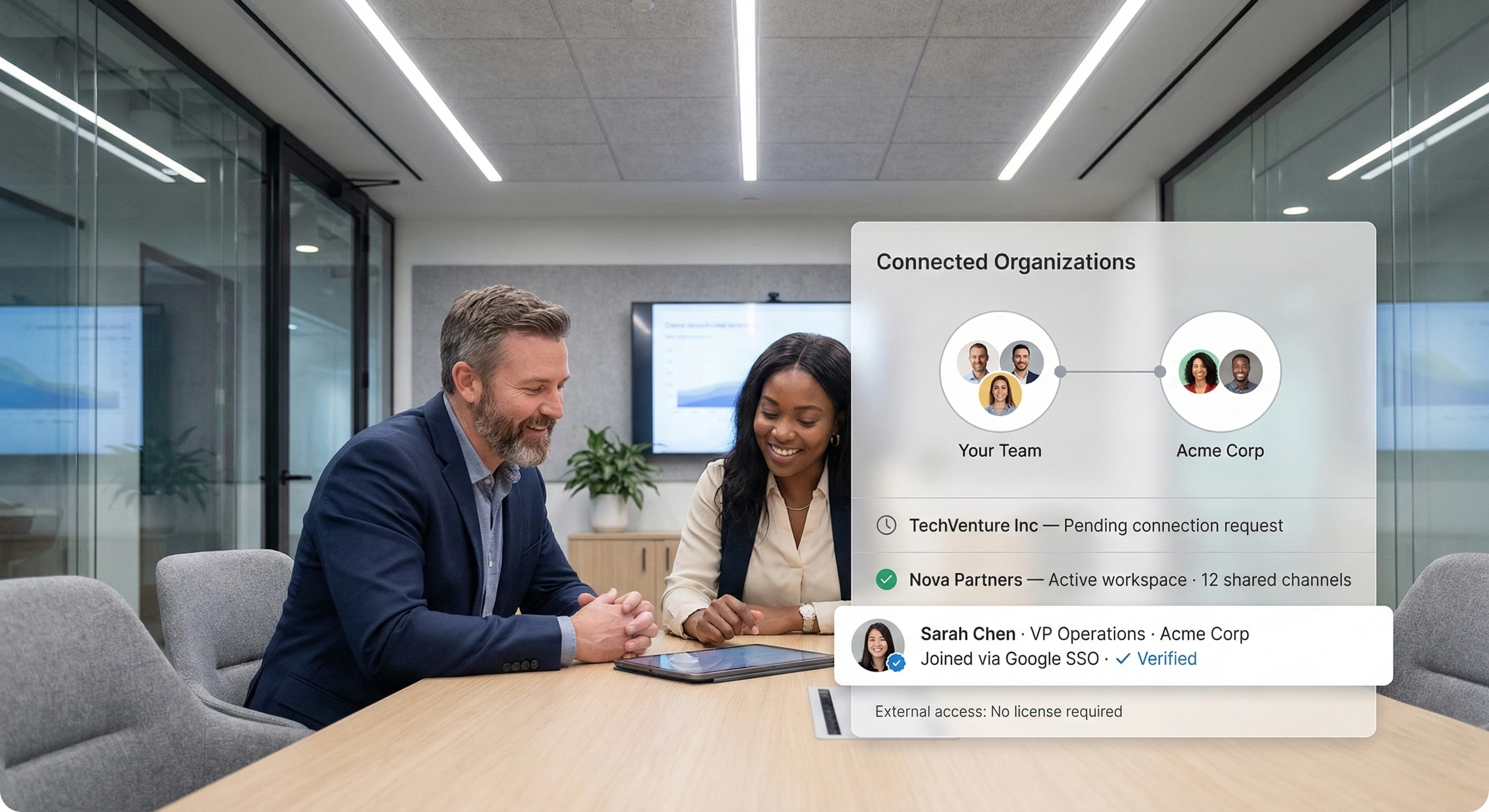
Distributor Collaboration
Fourteen territories launching from fourteen different versions of the truth
Per-territory workspaces for launches, training and market feedback across an independent distributor network.
Learn More
Franchise Collaboration
Units running last year's standard because nobody saw the update
One place for the operations manual, unit training, field visits and local marketing approvals.
Learn More
Agency Collaboration
Round four of feedback, five stakeholders, three contradicting each other
One workspace for briefs, review rounds and brand assets — including the agency's freelance bench.
Learn More
Three capabilities every external relationship depends on
Whatever the relationship, the same three mechanisms carry it: who the outside party is, what they can reach, and whether both sides can understand each other.

Verified cross-organization identity
External participants sign in with the Google, Microsoft, or Melp identity they already use, belong visibly to a named organization, and have every action attributed to them. That is what makes external access auditable rather than just convenient.

Workspace-scoped access
Permission is granted per workspace and per topic, never to your wider tenant. Outside parties see what they were invited to, and access can be removed centrally when the work ends.

Built-in translation and captions
Chat, speech, and document translation plus live captions across 90+ languages. External relationships cross borders more often than internal teams, so the collaboration layer needs to handle language differences directly.
Questions that apply across every external relationship
Audience-specific questions are answered on each page above. These are common to all of them.
Bring the outside in, on your terms
Create a shared workspace, invite external participants with their existing identity, and see how cross-company collaboration works when the record stays in one place.